How to Make an AI Short Film
To make an AI short film, you need a structured process that blends filmmaking fundamentals with generative AI tools. This guide outlines a practical workflow for anyone looking to make an AI short film, focusing on creative direction to steer the technology. The process involves establishing a clear vision with storyboards, working backward from a key 'hero shot,' maintaining visual consistency with reference sheets, and applying detailed sound design. This method ensures your final AI short is a cohesive story, not just a collection of AI-generated clips.
Start with the End: The Hero Shot Method
The most effective starting point to make an AI short film is to define the final scene, or 'hero shot,' and work backward. AI filmmaker Alexander Vail recommends this approach because it provides a clear destination for your story. When you establish the most impactful image first, the rest of the creative process is simplified. Every preceding scene can be judged on how well it builds toward that specific endpoint. As Vail explains, "the starting point for me is the end scene, the hero shot." This counterintuitive method anchors the project and gives your narrative a defined target.
This process involves a few key actions:
- Identify the Hero Shot: Determine the single most powerful and memorable image or concluding moment of your story.
- Outline the Narrative: Map out the essential events and character arcs that logically lead to this final scene.
- Storyboard in Reverse: Begin your visual planning from the end, creating a shot-by-shot sequence that builds emotional and narrative momentum toward your hero shot.
Build Your Map: The Importance of Storyboarding
Storyboarding is the essential foundation for making an AI film, acting as the project's spine and visual map. A detailed storyboard gives you a clear guide for every shot you need to generate with AI. AI filmmaker Alexander Vail emphasizes this point: "the whole thing is storyboard, right? Storyboard, storyboard, storyboard... this is your map." Because you will generate a large number of individual clips—Vail’s project had roughly 45—the storyboard prevents you from getting lost in the process. It dictates the composition, action, and sequence of shots, ensuring the final collection of clips assembles into a coherent narrative.
Achieve Consistency with Turnaround Sheets
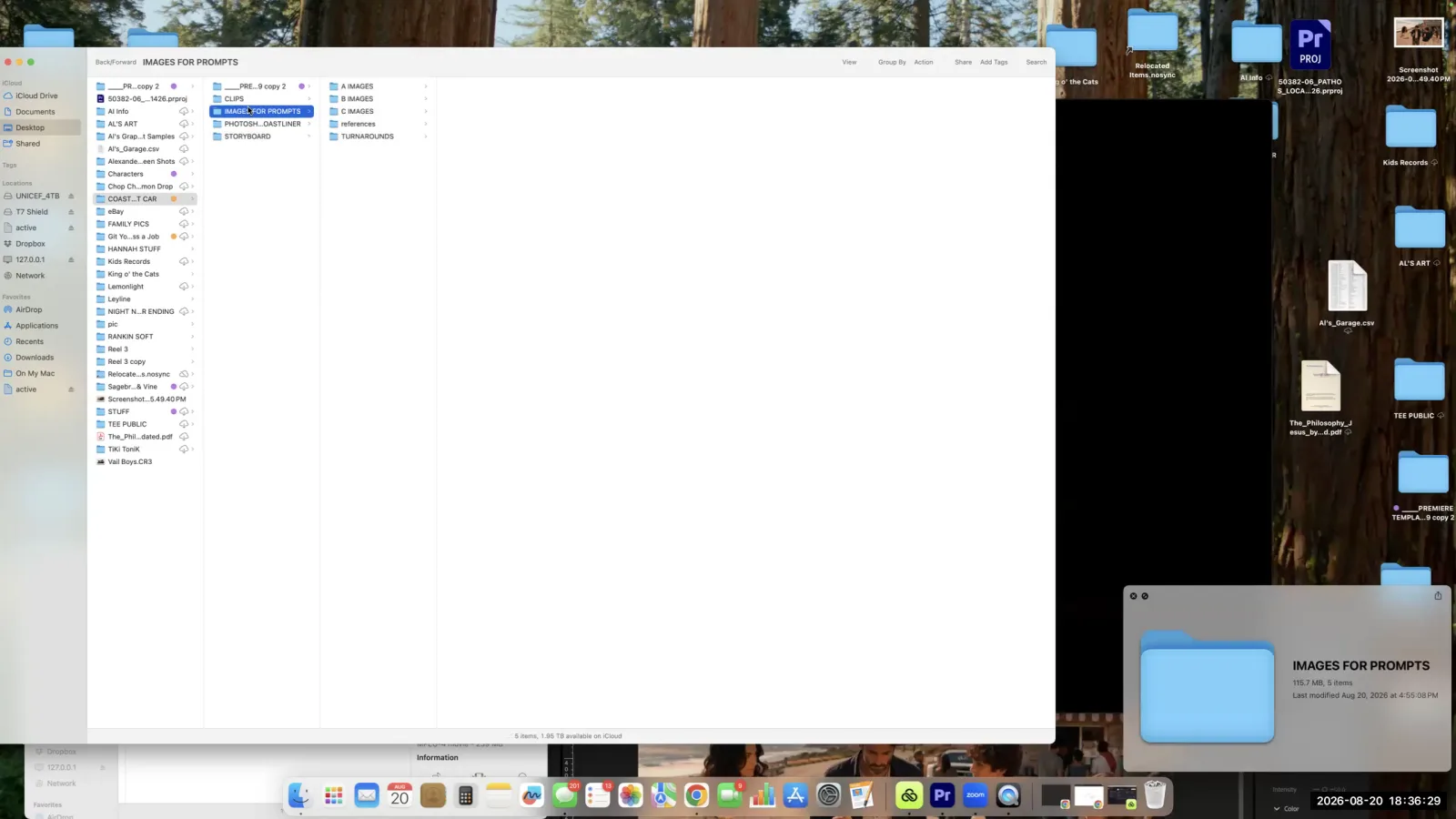
You can maintain visual consistency across AI-generated shots by creating and using 'turnaround sheets' for your characters, props, and locations. These sheets are visual reference guides that show key subjects from multiple angles, ensuring the AI understands what they should look like from scene to scene. Alexander Vail calls this tool "vital" for any AI short project. A comprehensive turnaround sheet should include:
- Multiple Angles: A three-quarter shot, a front view, a back view, and a side view of your character or object.
- Color Palette: A clear reference for key colors to maintain consistency in lighting and grading.
When prompting an AI video generator, you reference these images directly. For example, Vail notes, "I will actually use these turnaround sheets and I will say, hey, here's the family. So I want a medium shot of them in this car." This disciplined approach saves significant time and generation credits. Vail estimates that a good turnaround sheet "will save you 20 iterations" for a single difficult shot.
Crafting the Audio Landscape: Sound Design
Sound design should be treated as a critical component, not an afterthought, because audio is responsible for a huge part of the viewing experience. In the context of making an AI short film, where visuals can sometimes feel artificial, sound grounds the world in reality. Alexander Vail cites the saying that "three quarters of video is audio and it's true." A practical technique Vail uses is to adjust ambient sound levels based on the imagined camera position. For an aerial shot, traffic noise is lower. For a closer shot of the same scene, the sound level is higher. He explains, "depending on where we're imagining the camera is is what the sound... would be."
For music, a useful tip for the AI music platform Suno is to use your image prompts as text prompts. This can help generate a score that fits the film's specific mood and visual aesthetic, creating a more cohesive final piece.
The Reality of Generation Volume
To make an AI short film, you must be prepared for a high volume of generations to achieve the desired results. A single short film can be composed of around 45 final clips, with each successful clip requiring an average of seven attempts. This brings the total number of generations to approximately 315 to 350 for one project. Alexander Vail shared these figures from his own work, highlighting the trial-and-error nature of the current process. He also noted using multiple generators like Kling 3.0 and Sora, as he "found that some generators were better at others for certain things." This high number of iterations underscores the need for patience and a clear plan, reinforcing the importance of a detailed storyboard.
The Filmmaker's Role: Taste and Judgment
The filmmaker's primary role in AI production is to provide the creative taste and directorial judgment that AI tools cannot. An AI can generate a technically proficient shot, but it doesn't understand narrative context or emotional purpose. The filmmaker must decide which shot best serves the story. As Alexander Vail puts it, "AI can generate a shot, but it doesn't know whether the shot belongs in your spot or not... it's not the machine, it's the taste." This human element is what makes a film compelling. The director's job is to make specific, meaningful choices—like including a "three-legged Chihuahua" or a shot of someone "dropping the ice cream"—that give the film its unique character. These are creative decisions that guide the technology, not the other way around.
Frequently asked questions
What is the first step in making an AI short film?
According to AI filmmaker Alexander Vail, the first step is to define your final scene or 'hero shot.' By starting with the end and storyboarding backward, you create a clear target for your narrative and ensure all generated scenes logically build toward that conclusion.
What is a turnaround sheet in AI filmmaking?
A turnaround sheet is a visual reference document used to maintain character and object consistency. It typically shows a subject from multiple angles—front, back, side, and three-quarter view—and helps guide the AI to generate visually coherent shots throughout the film.
How many video clips are in a typical AI short film?
A short AI film can contain a significant number of clips. For example, one of Alexander Vail's projects was assembled from roughly 45 individual clips. Each clip required an average of seven generations to perfect, totaling around 350 generations for the entire piece.
Is sound important for AI video?
Yes, sound is critical in AI filmmaking. As Alexander Vail states, "three quarters of video is audio." Effective sound design, including music and ambient noise that adjusts based on camera perspective, is essential for creating an immersive and professional-feeling film.
Keep learning
This guide is part of the Creating an AI-Generated Commercial masterclass lesson.
Related guides:
Comments
Sign in with your Leyline account to join the conversation.