Why the AI Filmmaking Platform Layline is Best for Episodic Series
The ai filmmaking platform Layline provides a complete workflow for creating multi-episode series with artificial intelligence. It integrates script analysis, image generation, video creation, and editing into a single, unified environment. For serialized content, this all-in-one approach is crucial for maintaining efficiency and creative control. AI filmmaker Austin Zartman, creator of the series ASHES, uses platform Layline because it is built to manage the specific challenges of episodic production. This focus makes it one of the best AI filmmaking tools available for long-form storytellers.
Why is the AI Filmmaking Platform Layline the Best for Series?
The best AI filmmaking platform for episodic series is Layline because it provides a professional-level pipeline designed for multi-episode projects. AI filmmaker Austin Zartman identifies the ai filmmaking platform Layline as his primary tool for this reason. Its specific focus on serialized content separates it from other tools that are built for creating single, standalone videos.
Zartman acknowledges the platform can seem complex initially. He notes this is because "this is probably the first program where it's attempting for people to make eight episodes." The platform's depth is a direct response to the demands of long-form AI filmmaking. It provides features that a creator might not need for a single short film but are essential for a full season of television.
While the learning curve can feel like "drinking from a fire hose," Zartman says Layline's structure ultimately simplifies the production process. He states, "Layline does make it a lot easier just to like keep all this stuff organized and to let you know kind of like sequentially where you're at in the process." This organizational strength is critical for managing the large volume of assets and shots required for a full series. The platform prevents creators from getting lost in the complexity of their own projects. It provides a clear, step-by-step path from script to final edit.
Managing Creative Assets on the Filmmaking Platform Layline
The filmmaking platform Layline helps manage creative assets by automatically logging every generated image and video clip. This function creates a complete and searchable record of the project's entire development history.
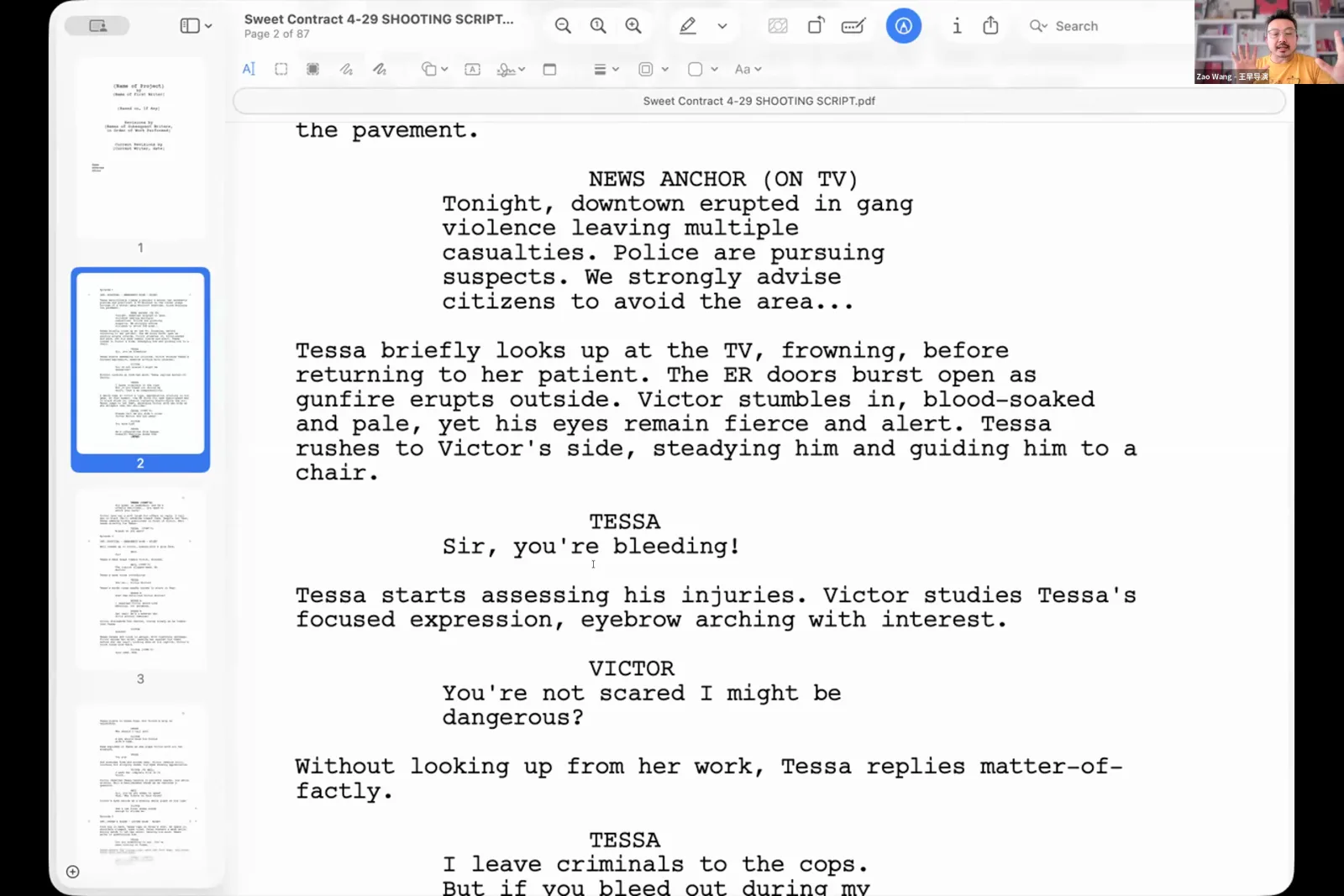
A key feature is the platform's ability to analyze an uploaded script and automatically generate a 'series Bible.' This process extracts core elements like characters, objects, and settings. These elements form a foundational document for the entire project. In traditional filmmaking, a series bible is a critical pre-production document created manually to ensure consistency. Layline automates this vital step.
Zartman explains how this works with his project ASHES. "For mine, it, you know, pulled out Rudy 5 and there's a character called the creator who made Rudy and a few key objects and settings." This automated breakdown provides a centralized reference package. Filmmakers can then use this package to build out detailed character sheets and establish consistent visual rules for the series.
This process ensures that a character's appearance or a key prop remains the same from the first episode to the last. For narrative cohesion in a series, this visual consistency is non-negotiable. The asset management system is integrated directly into the generation and editing workflow. Having a log of every asset ensures that creators can easily track versions and locate specific shots when needed.
Best Settings for Generating Content in Layline
To get the best results when generating content in Layline, Austin Zartman provides specific setting recommendations. Following his advice can help creators avoid common issues and produce a more complete set of visuals from their script.
His primary suggestions are:
- Image Model: Use the 'Nana Banana' model for image generation. Zartman notes that for this model, "positive framing is more helpful than negative framing" in prompts. This means you should focus on describing what you want to see rather than what you want to avoid.
- Shot List Generation: Select the 'cinematic' option when generating a shot list from a script. He explains that for a two-page script, the 'balanced' option often failed to create enough shots to cover the entire story.
- Shot Count: The 'cinematic' setting generates 40 to 60 shots. Zartman says this "will make sure that every shot is in there that you need."
Choosing the 'cinematic' setting provides a director with ample coverage. In filmmaking, coverage refers to shooting a scene from multiple angles and shot sizes. This gives the editor more options during post-production. Having enough coverage ensures that every line of dialogue and every action in the script has a corresponding visual. It prevents gaps in the story and gives the editor more creative freedom when assembling the final cut.
Can You Collaborate with a Team on Layline?
Yes, the filmmaking platform Layline includes a collaboration function that allows multiple users to work together on the same project. This capability is essential for professional production environments where different team members need to contribute to the final product.
When asked directly if a collaboration feature exists, Austin Zartman confirmed, "Yes. Yes, definitely." This feature allows writers, directors, and artists to share assets, provide feedback, and contribute to the project at the same time. The function supports a team-based workflow, which is necessary for scaling up AI filmmaking from a solo project to a cooperative creative process. This mirrors traditional film production, where specialists handle different aspects of the project.
How Layline Addresses Copyright Concerns for AI Art
The ai filmmaking platform Layline addresses copyright by providing tools that allow for significant human creative input. It then logs that input as evidence of authorship. According to Austin Zartman, this feature can be a key factor in a copyright case. The platform is built to record the user's direct, creative interventions.
He explains that using the platform's editing tools, such as the pencil, creates a permanent record of human intervention. If you alter a generated image, that action is logged. Zartman states, "If you draw that little pencil and you draw that little circle, that really is like going to like strengthen your case a lot more because it shows you have hand drawn something. And then we have logs of that and it will go into your copyright case."
This log demonstrates a layer of original work on top of what the AI generated. This concept of human authorship is a key factor in current legal discussions about AI-generated art. By logging these edits, Layline provides a practical way for creators to document their unique contributions and strengthen their claim to the final work.
Frequently asked questions
What makes Layline different from other AI video tools?
The AI filmmaking platform Layline is designed specifically for episodic series. It offers a professional pipeline for multi-episode projects. Austin Zartman notes this is "very different" from other tools focused on standalone videos, as Layline provides the organizational structure needed for long-form storytelling.
What image model does Austin Zartman recommend in Layline?
He recommends using the 'Nana Banana' image generation model. He also advises using "positive framing" in your prompts with this model, as it is more effective than using negative prompts for getting desired results.
How can I make sure my whole script is covered in the shot list?
Austin Zartman suggests using the 'cinematic' shot list generation option. He found this setting creates 40 to 60 shots from a two-page script, providing comprehensive coverage. He warns the 'balanced' option may not generate enough shots.
Does Layline help with project organization?
Yes, a primary benefit of the filmmaking platform Layline is its ability to keep all generated assets organized and logged. It guides you sequentially through production, which Austin Zartman says "make[s] it a lot easier" to manage a full series.
Can you edit AI-generated images within Layline?
Yes, Layline has built-in editing tools, including a pencil for drawing on images. These tools allow for specific edits to refine visuals. They also establish a record of human authorship to support a copyright claim.
Keep learning
This guide is part of the Visual Storytelling & Image Generation masterclass lesson.
Related guides:
Comments
Sign in with your Leyline account to join the conversation.