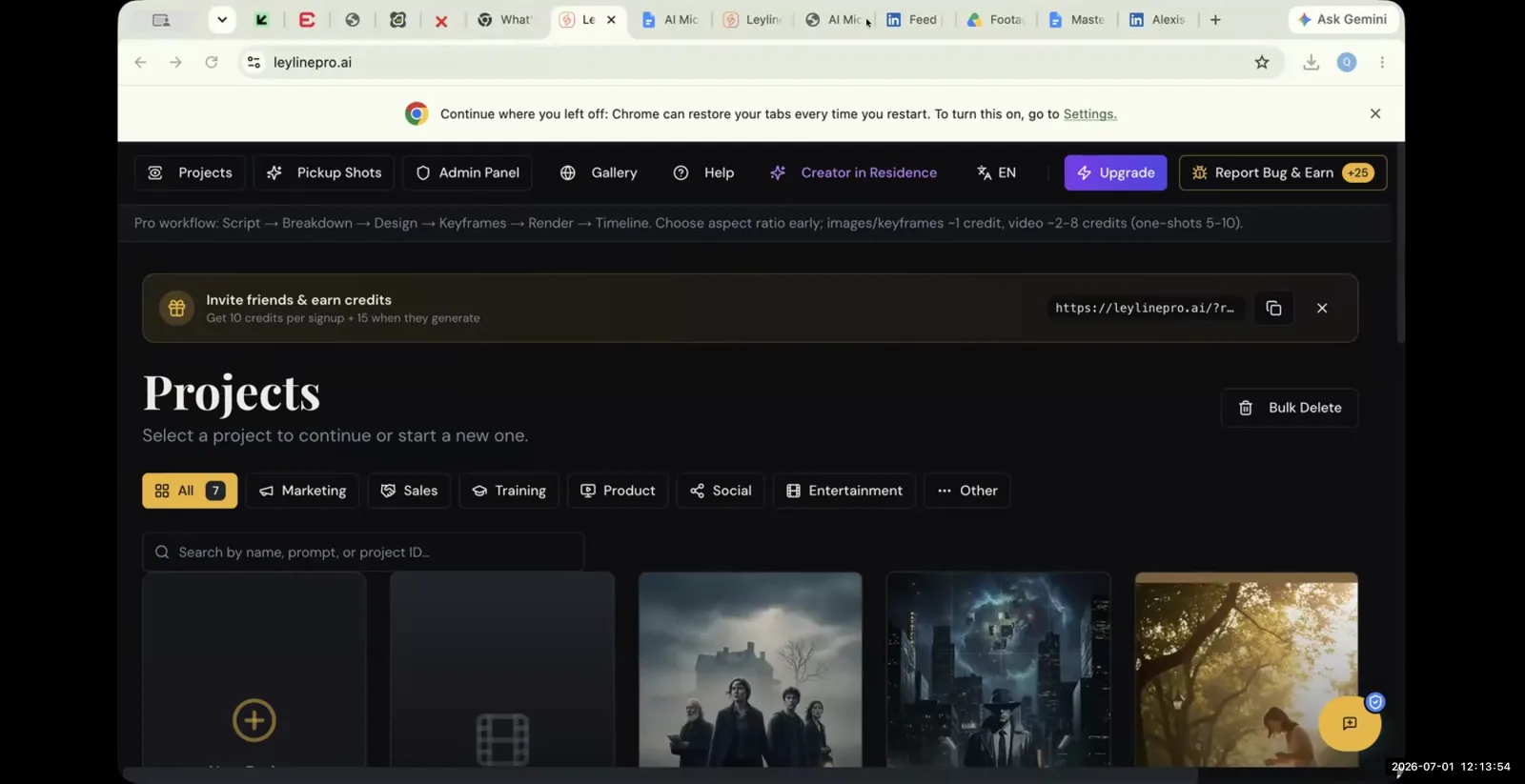
How to Start AI Filmmaking: A Practical Guide
AI filmmaking is a process that uses artificial intelligence models to generate video clips from text descriptions, often based on a pre-written script. This method allows you to create visual narratives without using a traditional camera. If you want to start AI filmmaking, you must understand it as a new creative discipline. Instead of focusing on cinematography, your skills will center on prompt engineering, model management, and iterative refinement. This guide provides a practical, step-by-step framework for generating video with AI, based on techniques from practitioners. The workflow involves uploading a screenplay, writing detailed prompts, generating clips, and patiently refining the output.
The First Step to Start AI Filmmaking: Upload Your Script
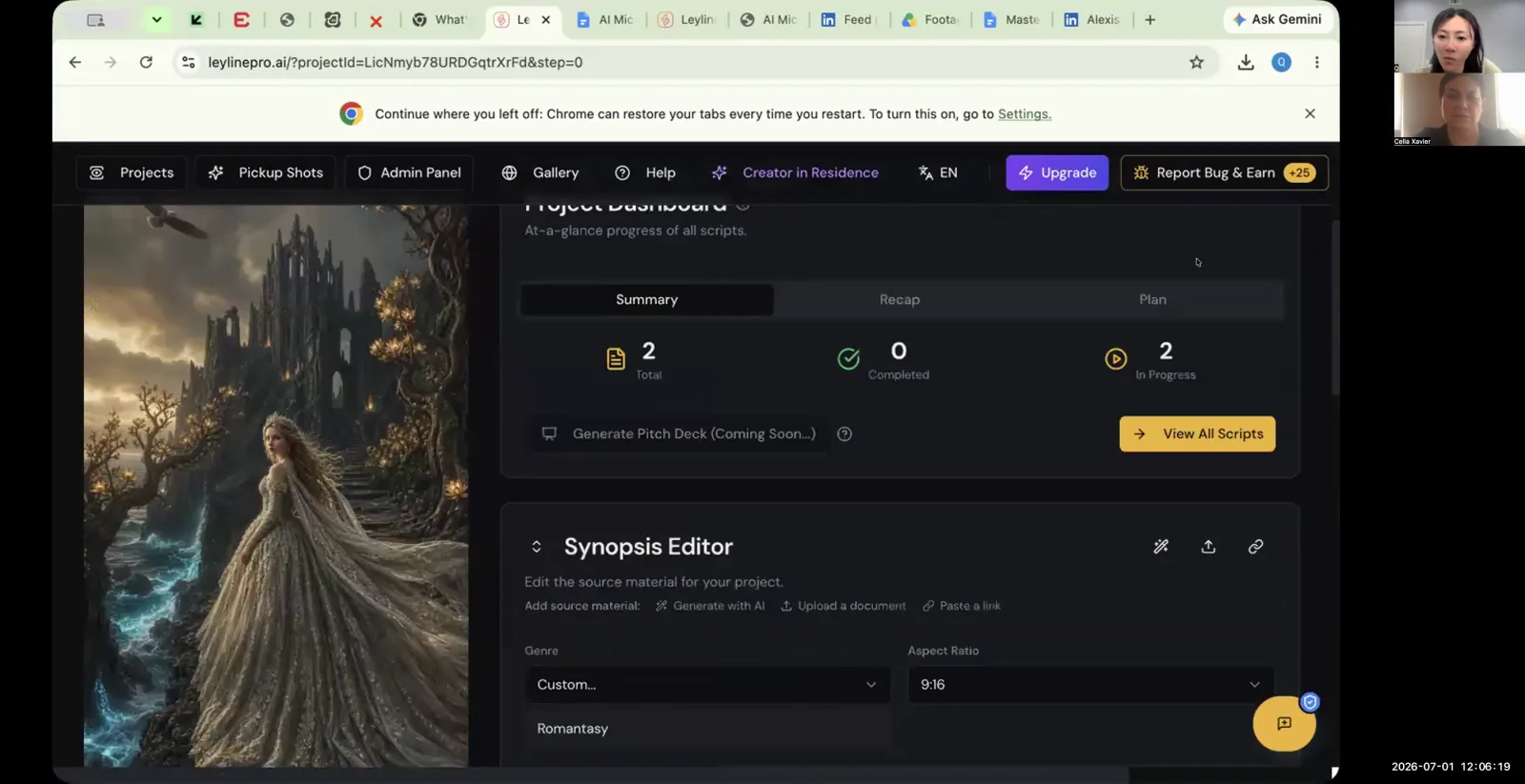
To start AI filmmaking, you first upload your completed script into a dedicated AI filmmaking platform. This initial step structures your entire project, breaking your screenplay down into individual scenes and shots that you will generate one by one. For example, on the Leyline platform, the process works like this:
- Navigate to your project dashboard.
- Select the option to create or add a script.
- Choose to upload an existing script file.
Once uploaded, your screenplay appears in a script editor. The platform automatically parses the text, separating scenes and preparing a workspace for you to write prompts for each specific shot described in your script. This organized structure is the foundation of the AI filmmaking workflow, turning your written story into a sequence of actionable generation tasks.
How to Write Effective Prompts for AI Video Generation
The most effective way to write prompts is to break down complex actions into a few simple parts. AI models can become confused if you provide too much information in a single prompt. A participant in Q's workshop described a "three-beat" method for any single shot that contains movement or a sequence of actions. Instead of describing the entire sequence at once, you generate each beat separately.
Here’s the recommended workflow:
- Write a prompt for the first beat of the action (e.g., "a character picks up a cup").
- Generate the clip. If you get a successful one or two-second clip, download it.
- Within the same shot box, write a prompt for the second beat (e.g., "the character brings the cup to their lips").
Generating beats sequentially within the same shot helps the AI maintain consistency with characters and objects because it is working from the same foundational elements. This methodical approach is fundamental to successful AI filmmaking.
How to Maintain Consistency Between AI-Generated Shots
You maintain consistency across different AI-generated clips by using a "continuity lock" in every prompt you write. A continuity lock is a specific text command that instructs the AI model to keep key visual elements the same. This is crucial for creating a coherent narrative where characters and environments do not change from one shot to the next.
A Leyline masterclass attendee emphasized this point, stating they put a continuity lock prompt in "every single time" they generate. This ensures the following elements remain consistent:
- A character's face and physical appearance.
- The character's wardrobe, including colors and style.
- Key props and background elements.
Without a continuity lock, the AI might render a character with different hair or clothing in consecutive shots, breaking the illusion of a continuous scene. Mastering this technique is essential when you start AI filmmaking.
Troubleshooting Failed Generations in AI Filmmaking
If a video fails to generate, the most common solution is to change the AI generation model. Not all models are created equal; they have different training data and capabilities, so one may succeed where another fails. This is a standard troubleshooting step in the AI filmmaking process.
Follow these steps when a generation is unsuccessful:
- Switch the AI Model: Qiushi (Q) Zhang suggests that if you use a model like Seedance and it produces no video, you should immediately switch to another one. Trying alternatives like Kling or Veo can often resolve the issue.
- Simplify Your Prompt: Complex or ambiguous prompts can confuse the AI. Try removing clauses or simplifying the action to its most basic components.
- Check for Flagged Words: AI models have safety filters that block generation for certain terms. If your prompt contains words related to violence or other sensitive topics, it may fail. Try using euphemisms to describe the scene instead.
Experimenting with different models and prompts is a core part of the workflow. Don't expect every generation to work on the first try.
Rapid Prototyping: How to Test Shot Ideas Quickly
Use a fast generation model to quickly test if a shot concept works visually. This approach, known as rapid prototyping, saves you time and resources. Instead of waiting for a slow, high-quality render to see if an idea is effective, you can get a preview in a fraction of the time.
An attendee at a Leyline masterclass recommended using a model like 'Veo fast' for this purpose. Its key advantage is speed—it can generate a test clip in about one minute. This allows you to:
- Validate a creative idea quickly.
- Experiment with different camera angles or character actions.
- Make faster decisions about which shots to pursue for a full-quality render.
This rapid feedback loop is invaluable in AI filmmaking, where iteration is constant. It helps you refine your vision without committing significant time or generation credits to an idea that might not work.
Setting Realistic Expectations When You Start AI Filmmaking
When you start AI filmmaking, expect an iterative and time-consuming process that requires patience and many attempts. It is not a one-click solution. A realistic expectation, based on practitioner experience, is that you may perform around 10 different renders for a single shot before achieving a satisfactory result.
The first, second, or even fifth generation of a clip may not be usable. This is a normal part of the creative workflow in AI filmmaking. Success comes from a persistent cycle of:
- Generating a clip.
- Analyzing the output.
- Refining the prompt.
- Generating again.
This reality means that producing even a short film can take a considerable amount of time. Understanding this upfront will help you approach the process with the right mindset, viewing each generation not as a pass or fail but as a step toward refining the final output.
Navigating Safety Filters and Sensitive Content
To bypass AI safety filters for content that might be flagged as sensitive, use euphemisms in your prompts. AI models have built-in guardrails to prevent the generation of explicit or harmful content. Using direct terms for things like violence or gore will likely cause the generation to fail.
Instead, describe the visual you want with alternative, indirect language. For example, a Leyline masterclass attendee noted that if a scene requires blood, you should not use the word "blood." Try these alternatives:
- Instead of "blood," prompt for a "dark red stain," "crimson liquid," or "viscous red fluid."
- Instead of "a punch," prompt for "a fist makes forceful contact with a cheek."
- Instead of "a wound," prompt for a "deep gash" or "laceration."
This approach helps you achieve the desired visual effect without triggering the model's safety protocols. Learning to "speak the language" of the AI is a crucial skill in AI filmmaking.
Frequently asked questions
What's a good prompting strategy for complex scenes?
A good strategy is to break the scene into smaller, manageable parts. A workshop participant described using a "three-beat" structure for a single action prevents the AI model from getting confused by too much information. You should generate each beat separately within the same shot box to ensure all elements remain the same.
How many tries does it take to get a good AI video shot?
It often takes many tries to get a single usable shot. It is a realistic expectation to perform about 10 different renders for each shot before you get one you are happy with. The AI filmmaking process is highly iterative and requires patience and persistent refinement.
Why should I try different AI models?
You should try different models because they have varying strengths and weaknesses. If one model fails to generate a video, another might work. Models also differ in output quality, speed, and resolution. Participants compared a 720p Seedance version and fast Veo generations in July 2026. Check the current version's settings and allow for variable generation times.
What is a "continuity lock" in AI filmmaking?
A "continuity lock" is a specific text command you add to every prompt to ensure visual consistency across multiple shots. It instructs the AI to maintain the same appearance for a character's face, their wardrobe, and other key environmental elements, which is critical for narrative coherence.
How do I start AI filmmaking on a platform?
To start AI filmmaking, you typically begin by uploading your screenplay. On a platform like Leyline, you would navigate to the script editor and use the "upload existing script" function. This action imports your story and breaks it down into scenes, preparing it for shot-by-shot video generation.
Keep learning
This guide is part of the Troubleshooting Video Generation and Multi-Episode Workflows masterclass lesson.
Related guides:
Comments
Sign in with your Leyline account to join the conversation.