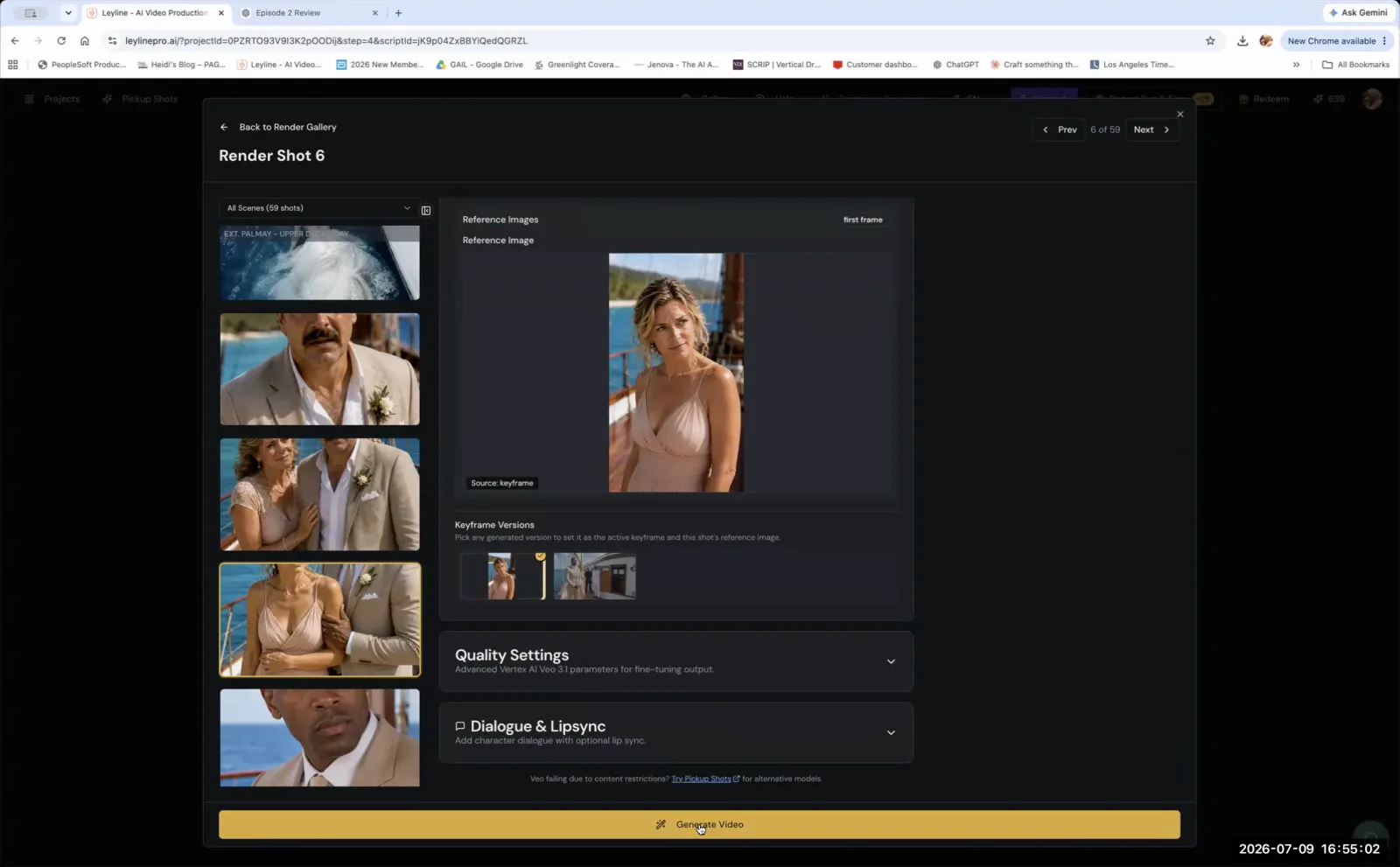
A Practical Guide to Using Blender for AI Filmmaking
Using Blender for AI filmmaking is a powerful technique for gaining precise control over scene composition and camera angles. While AI image generation models excel at creativity, they often lack precision and struggle to produce consistent or exact compositions on command. This method bridges that gap. Filmmakers leverage Blender to construct accurate 3D scenes, which then serve as structural reference images to guide AI models. This provides a foundational blueprint for the AI to build upon, ensuring the final ai image aligns with the director's specific vision, especially for complex environments and exact camera work.
What is Blender's primary role in AI filmmaking?
Blender's primary role in AI filmmaking is to create precise 3D scenes that serve as highly accurate reference images for AI image generation models. This technique directly addresses a core limitation of current AI technology: its difficulty with spatial accuracy. When you build a scene in Blender, you establish the exact composition, perspective, and object relationships you need. The AI then uses this render as a blueprint. This approach is fundamental to achieving reliable results when using Blender for AI filmmaking for professional outputs.
According to AI filmmaker Austin Zartman, creator of the AI short-film series ASHES, this is a crucial workaround. "It's a limitation of the... technology as of today, because it's very good at being creative, but being accurate is not what image models are good at," Zartman explains. A text prompt can suggest a scene, but it cannot enforce the strict geometric rules required for consistent filmmaking. When a shot requires a specific layout that an AI struggles to generate through text prompts alone, a 3D reference provides the necessary structural information. This level of control over the scene is a cornerstone of using Blender for AI filmmaking, allowing the filmmaker to maintain authority over the geometry while still leveraging the AI for its strengths in texture, lighting, and style.
How to Get Started Using Blender for AI Filmmaking
The process of using Blender for AI filmmaking involves building a basic 3D scene, setting a specific camera angle, and exporting that view as a reference image for an AI model. This workflow effectively separates the structural work of cinematography from the stylistic generation handled by the AI.
Here is a straightforward workflow:
- Model Your Environment: First, construct your location in a 3D program. The focus here is on Blender due to it being free and powerful. The model does not need to be highly detailed with complex textures or lighting. Simple geometric shapes are sufficient to define the space and object placement.
- Set Your Camera: Position the virtual camera in your 3D scene to frame the exact shot you want. This step is where you exercise directorial control over the composition, choosing the precise angle, focal length, and perspective.
- Export a Snapshot: Render a clean image of the camera's view. This snapshot is your reference image. It contains all the compositional information the AI needs to understand the scene's structure.
- Guide the AI Model: Feed this snapshot into your AI image generator, often using an image-to-image or ControlNet-style function. The AI uses your 3D render as a strong guide for composition, ensuring the final generated ai image matches the perspective and layout you designed.
As Austin Zartman notes, other software can achieve the same goal. "What some people do is they would take a snapshot of that 3D location in Blender... or like even if like in SketchUp," he says. The key is the output: a clean, geometrically correct snapshot. Zartman confirms that when you use a 3D snapshot as a reference, "That's much easier in terms of generating whatever you need." This method gives the AI a clear set of instructions, reducing ambiguity and improving predictability. This workflow is a practical entry point for anyone interested in using Blender for AI filmmaking.
Why is an accurate reference from Blender so important?
An accurate reference from a tool like Blender is important because it significantly minimizes the mistakes and inconsistencies an AI image model will produce. By providing the AI with a clear and precise structural guide, you drastically reduce the amount of corrective work and post-production editing needed to fix errors in the final output. This makes the entire ai filmmaking pipeline more efficient.
The core principle is workflow optimization. The more ambiguity you give an AI model, the more unpredictable its output becomes. This unpredictability often leads to a lengthy and costly cycle of generating, editing, and regenerating to get the desired shot. Using Blender for AI filmmaking is a strategy to avoid this. Austin Zartman emphasizes this point directly: "You need the AI image model to have as accurate a reference as possible so that it makes less mistakes and then you fix it by like editing more, editing more, editing more." A Blender snapshot streamlines this process. The initial time spent creating the 3D reference is an investment that pays off by saving a much larger amount of time that would otherwise be spent on tedious fixes and re-renders later. This efficiency is one of the main arguments for using Blender for AI filmmaking in serious projects. It shifts the effort to the pre-production phase, where you have maximum control.
What specific problem does using Blender solve in AI art?
Using Blender in an AI workflow solves the specific problem of directorial control over composition and perspective. AI image models excel at generating novel textures, styles, and details, but they are not architects or cinematographers. They struggle to understand and maintain precise spatial relationships, consistent object placement, and specific camera lensing without explicit, visual guidance. This is the central challenge that using Blender for AI filmmaking addresses.
A text prompt might describe a room, but it cannot easily define the exact distance between a chair and a table, the precise angle of the camera, or the specific lens distortion required for a shot. A 3D render from Blender provides this missing information. It acts as a geometric scaffold that locks the composition in place. For example, you can set your Blender camera to a 35mm focal length with a low angle for a dramatic shot—a level of specificity a text prompt cannot guarantee. This allows the AI to do what it does best—fill in the creative details and apply a visual style—without deviating from the filmmaker's intended framing and layout. Ultimately, the practice of using Blender for AI filmmaking is about reclaiming artistic authority over the final ai image. It transforms the AI from an unpredictable creator into a highly skilled, style-aware collaborator who works within the boundaries you set.
Frequently asked questions
What is Blender?
Blender is a free and open-source 3D computer graphics software toolset. It is used across many industries for creating animated films, visual effects, 3D models, and interactive applications. In the context of using Blender for AI filmmaking, its key function is to build and render precise scenes for use as reference images.
Do I have to use Blender for AI filmmaking?
No, using Blender is not a mandatory step for all AI filmmaking. It is a specialized technique recommended by instructors like Austin Zartman for situations where you require a very high degree of accuracy and control over a scene's composition, which might be difficult to achieve with prompting alone.
What is the main benefit of using a Blender reference?
The main benefit is achieving greater accuracy in your AI-generated shots, which in turn reduces the amount of time spent on post-production and editing. By providing a clean, precise reference, you minimize the errors and inconsistencies the AI model might introduce, leading to a more efficient workflow.
Can I use other 3D software besides Blender?
Yes. The principle is not exclusive to Blender. AI filmmaker Austin Zartman mentioned that a tool like SketchUp could be used for the same purpose. Any 3D software that allows you to model a scene and export a snapshot of a specific camera view can serve as a tool for creating reference images.
Does using a 3D reference limit the AI's creativity?
No, it channels the AI's creativity into a specific structure. The 3D reference dictates the composition, perspective, and placement of objects, but the AI still has full freedom to interpret the style, texture, lighting, and fine details of the scene based on your text prompts and chosen model.
Keep learning
This guide is part of the Troubleshooting and Monetizing Your First AI-Generated Episode masterclass lesson.
Related guides:
Comments
Sign in with your Leyline account to join the conversation.