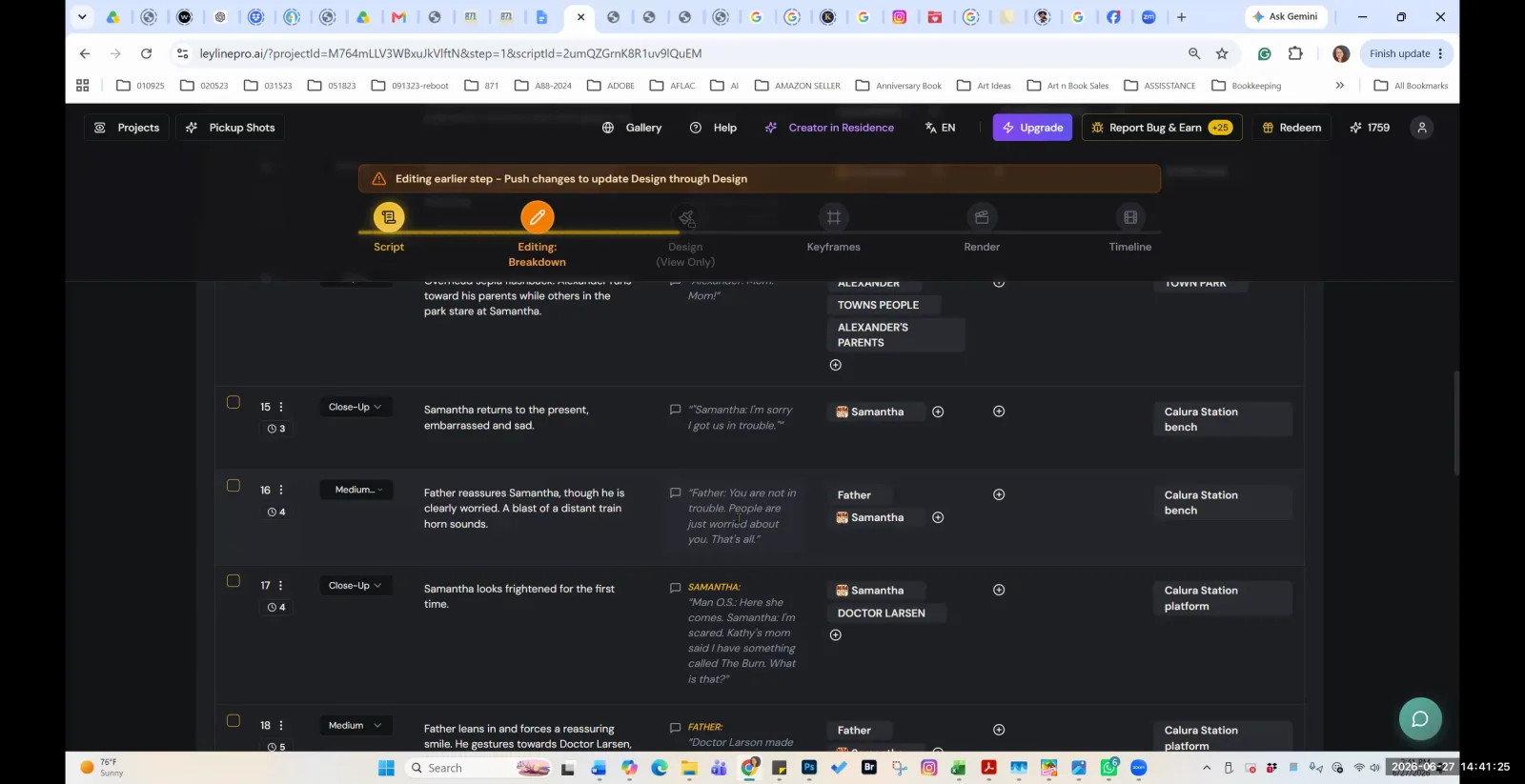
An AI filmmaking workflow is the structured process filmmakers use to create movies with generative artificial intelligence tools. Unlike traditional filmmaking, which follows a linear path from script to production to post-production, an AI-native workflow is more iterative and adaptive. It involves generating a large volume of visual assets, curating the best results, and assembling them in a non-linear fashion, requiring a shift in mindset from rigid control to flexible collaboration with the AI.
What is the fundamental principle of an AI filmmaking workflow?
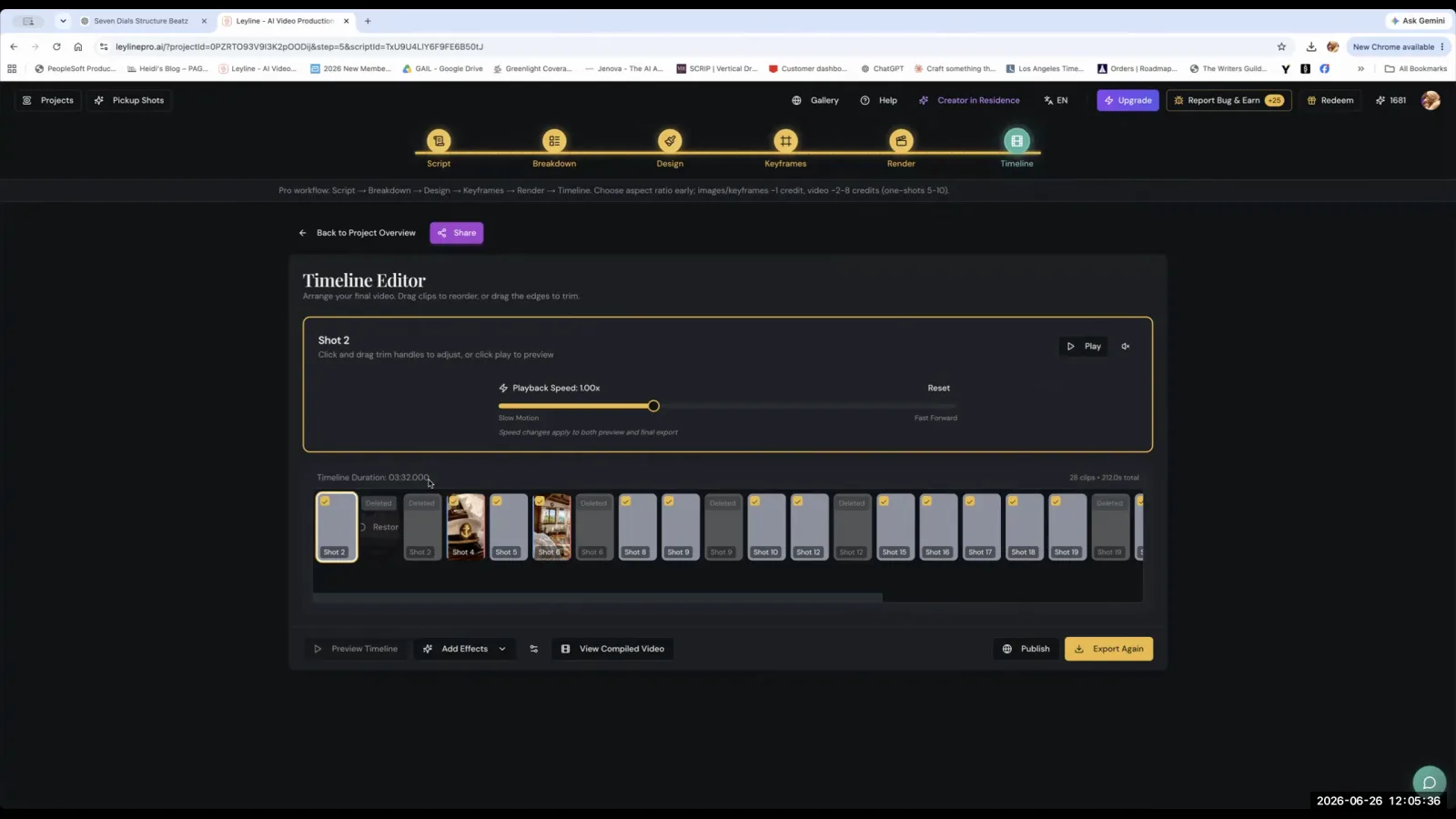
The fundamental principle is to adapt to the AI's capabilities rather than forcing traditional methods onto it. AI filmmaker Austin Zartman, creator of the AI short-film series ASHES, emphasizes that you should not fight the AI. Instead of trying to perfectly execute a pre-written script shot-for-shot, the workflow should be more fluid, similar to directing a documentary. This involves accumulating a large collection of clips and discovering the narrative as you go. Zartman states, "you kind of got to go with the flow a little bit, like make it more like uh directing live action or like doing a documentary style, accumulating a whole bunch of clips."
How should you structure your script for AI generation?
You should write the script as a "shooting script" from the very beginning. This adapted writing process bypasses the traditional step of a writer creating an initial script that is later broken down for production. According to Zartman, his collaborator realized that for future episodes, he would write the script differently to better suit the AI generation process. By creating a shooting script upfront, the writer-director team can craft prompts and scene descriptions that are already optimized for what the AI can produce, making the entire pipeline more efficient. This insight came from realizing that the initial script and the shooting script are often very different in Hollywood, and for a small AI team, combining these steps is more effective.
What is the process for generating and organizing video clips?
The process involves iteratively generating clips using multiple AI models and then importing all of them into a standard video editor. Austin Zartman describes his specific generation workflow: "I'll start at C dance. If it if the generation doesn't come out to be what I prompted it, I'll go to the next one, which is Veo." This highlights a practical, tool-agnostic approach where the filmmaker switches models based on performance for a specific prompt. Once generated, the next step is organization. Zartman advises, "You download all of them and put them in the editor." This raw footage is then brought into a nonlinear editing software like CapCut, Adobe Premiere, or DaVinci Resolve for assembly.
How do you ensure visual consistency in an AI film?
To ensure visual consistency, you should use a combination of a "Creative Bible," specific reference imagery, detailed style prompts, and character design rules. A Creative Bible acts as a central, project-level repository for all key designs and assets. Zartman explains, "instead of doing it for every episode, you keep it at the project level." This allows you to import established designs for consistency across a series.
For initial generation, providing the AI with both original sketches and real-life reference photos (e.g., a photo of a real train station) helps guide the output. Style is controlled through highly specific prompt engineering. Zartman's team spent days developing the precise phrase, "Kodo Kodo Momuki Gothic anime steampunk fantasy design," to achieve their film's unique look. For characters, a strict rule is applied: "if a character appears in more than two shots or one shot, you would want a look because otherwise it will start looking different."
What techniques can improve the quality of AI-generated assets?
Key techniques for improving asset quality include upscaling images to increase resolution and extending prompts to generate longer video clips for smoother editing. Zartman highlights an upscale tool as "absolutely amazing" for enhancing detail. He shares a specific example of the tool transforming an image file of around two megabytes into an eleven-megabyte file, ensuring it was large enough to avoid pixelation. For video, a crucial prompting technique is to add extra direction to the end of a prompt. Zartman discovered, "if I add a little bit extra direction to each prompt... it will give me a little bit more clip because otherwise it cuts right after the quote and it doesn't give me enough to edit... smoothly."
Frequently asked questions
What's the first step in an AI video generation workflow?
According to AI filmmaker Austin Zartman, a practical first step is to start with one AI model, such as 'C dance,' to generate a shot. If the result doesn't match your prompt's intent, you then move to an alternative model, like 'Veo,' to try again, iterating until you get a usable clip.
How does scripting change for AI filmmaking?
Scripting for AI filmmaking shifts from a traditional multi-draft process to writing a "shooting script" from the outset. This means the script is written with the AI's generative capabilities in mind from the very first word, making the path from text to final video more direct and efficient.
How do you maintain a consistent look for characters?
To maintain character consistency, you must provide the AI with a specific design reference or "look" for any character that appears in more than one shot. Failing to do so will likely result in the AI generating a different-looking character in subsequent scenes, breaking visual continuity.
What is a "Creative Bible" in an AI workflow?
A "Creative Bible" is a centralized, project-level asset library where you store all your core designs, characters, and style guides. For a series, you can import assets directly from the Bible for each new episode, ensuring consistency and saving significant time on re-prompting.
Keep learning
This guide is part of the Advanced AI Filmmaking Workflow and Troubleshooting masterclass lesson.
Related guides:
Comments
Sign in with your Leyline account to join the conversation.