A Practical Guide to AI Sound Design for Film
Effective ai sound design for film is a critical post-production step that adds emotional depth, narrative clarity, and professional polish. It is particularly important in ai filmmaking because current AI video generation models are optimized for visuals, often producing inconsistent or low-quality audio. This poor audio can be a clear indicator that the content is AI-generated. According to Austin Zartman, creator of the AI short-film series ASHES, filmmakers should use sound design strategically to compensate for the imperfections of AI video clips and improve the final product.
Why is AI Sound Design for Film So Crucial?
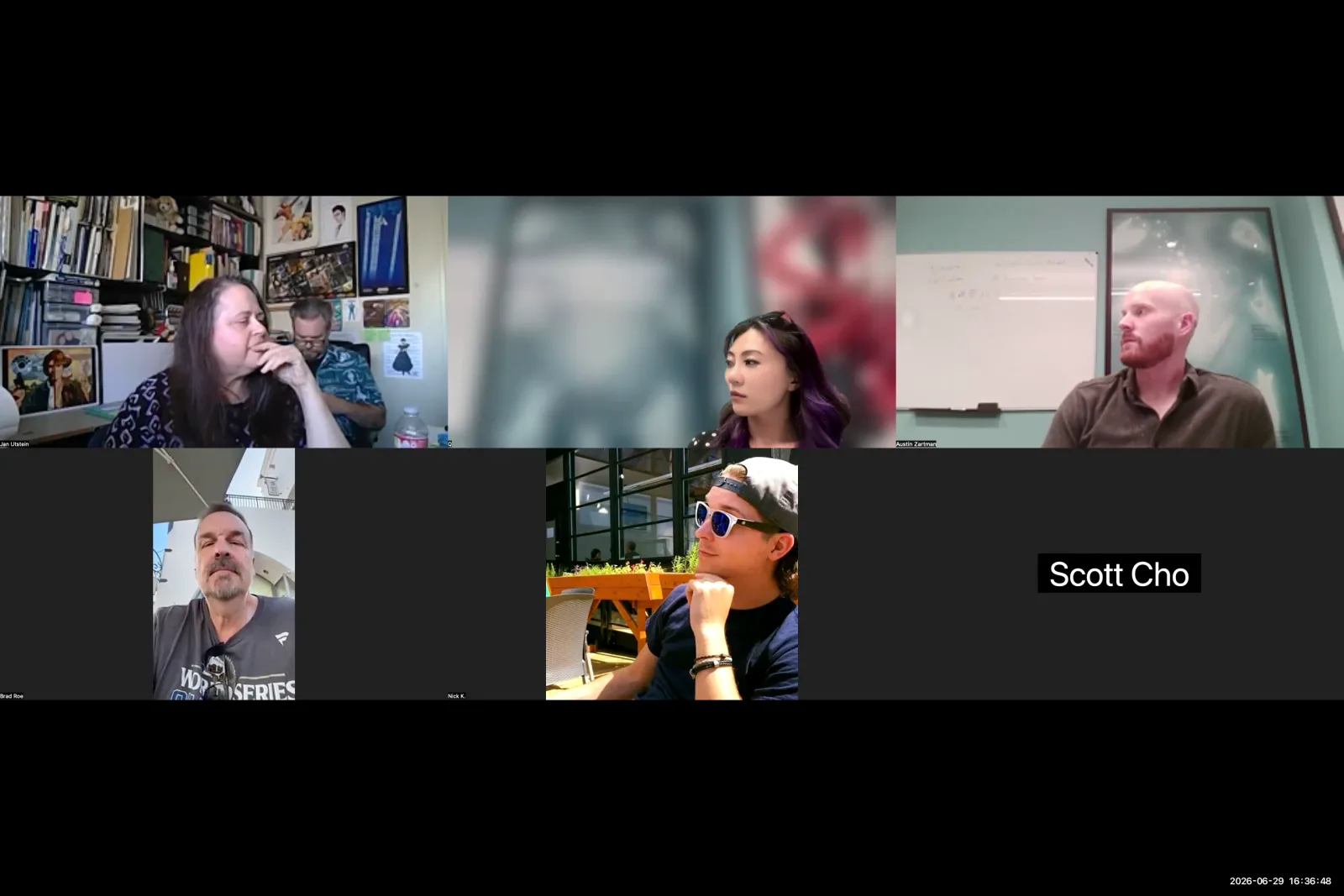
AI sound design for film is crucial because it allows creators to fix and enhance imperfect AI-generated video clips. AI filmmaker Austin Zartman states that learning basic sound design takes the pressure off generating perfect visuals, allowing you to get a clip "80% of the way there" and use audio to complete the final 20%. This approach provides more versatility and control over the final film.
This strategy is necessary because the audio from AI video generators is a significant weakness. "In most of the AI generated content that I watched, the sound is often the first indicator that something was AI," Zartman explains. He notes that models are optimized for video, making sound a secondary element. While an AI might generate a clip with impressive sound effects or perfect lip-sync, it struggles to maintain consistency for voices or sound effects across multiple video clips. By taking manual control of the audio in the editing stage, filmmakers can create a cohesive and believable soundscape that masks visual imperfections and unifies the project.
What are the Main Layers of Sound Design?
The three main layers of sound design in film are voiceover, sound effects, and music. Voiceover includes all character dialogue, sound effects cover environmental sounds and elements that build tension, and music establishes the emotional tone of the scene. Understanding these three components is foundational to building a rich audio experience in ai sound design for film.
Austin Zartman breaks down these layers as follows:
- Voiceover: This is the dialogue spoken by your characters. It is the primary layer for conveying story information, exposition, and character development.
- Sound Effects: These can be split into two categories. The first includes environmental or diegetic sounds, such as a character's footsteps or a door closing. The second category includes sounds that build atmosphere, like effects that instill a sense of tension or excitement, which may not have a visible source in the story.
- Music: This is the score or soundtrack that guides the audience's emotions and adds rhythm to the film.
A Practical Workflow for AI Sound Design for Film
A practical workflow for ai sound design for film begins with assembling the visual story first. After the video clips are in sequence, you should layer in the character dialogue or voiceover. Next, add sound effects that correspond to on-screen actions, and finally, introduce music, which may require you to adjust clip timing to match the rhythm.
Austin Zartman outlines his step-by-step process for integrating sound:
- Assemble the Visual Story: Before touching any audio, put all the video clips together in your timeline. Ensure the visual narrative flows correctly. This stage also helps identify awkward jumps or clips that may need to be regenerated.
- Layer in Dialogue: Once the visuals are set, add the voiceover. Zartman emphasizes this step because dialogue is fundamental to the story. "A clip really can't be shorter than the length of time a character needs to say something," he notes. This layer dictates the minimum duration for many of your scenes.
- Add Sound Effects: With the dialogue in place, begin adding sound effects. Start with the most obvious sounds—those directly connected to on-screen visuals.
- Integrate Music and Iterate: The final layer is music. However, Zartman points out that this is an iterative process. "The music can also change how long you may want a clip to be," he says. For example, to cut a scene on a specific beat, you may need to shorten a three-second clip to two seconds to maintain the rhythm. This requires going back and forth between the visual edit and the audio layers.
How Do You Handle Silence and Room Tone in AI Videos?
You should almost always add some form of background sound, or "room tone," to AI videos to avoid uncomfortable silence. This is a key technique in professional ai sound design for film. Complete silence can make viewers think their audio is broken or that there is a technical issue. Adding a subtle sound, even one without a visible source, makes the quiet feel intentional and atmospheric.
Zartman provides a specific example from the first episode of his series, ASHES. The opening scene shows an ant crawling on an elderly man's face in bed. "When I first created that scene, there was no music in it, there was no nothing. And it felt really weird," he recalls. To solve this, he added the sound of a ticking clock. "You never see the clock... but you just hear this constant ticking clock throughout that entire scene." This simple addition of room tone signals to the audience that the audio is working and the quietness is a deliberate creative choice.
How to Mix Audio Levels in AI Sound Design for Film
When mixing audio, you should always prioritize dialogue to ensure the story is clear. This principle is central to effective ai sound design for film. AI filmmaker Austin Zartman recommends setting the voiceover or dialogue track as the baseline volume level and then dropping all other audio elements, like music and sound effects, to a negative value in relation to it.
"If the audience doesn't understand the story or if they cannot hear what a character is saying, that is an issue," Zartman states. To prevent this, he establishes a clear hierarchy in his mix. The dialogue track's volume is left at its default level, serving as the anchor. All other sounds—music, environmental noise, and special effects—are then lowered in volume until they support the scene without competing with the spoken words. This ensures the narrative remains the central focus for the viewer.
Best AI Tools for Voiceover and Music in Sound Design
For generating high-quality, consistent character voices, ElevenLabs is the best tool available. It's a cornerstone for modern ai sound design for film. For music, ElevenLabs also offers a curated marketplace of emotionally compelling songs that feel more complete than short, AI-generated loops, making it a valuable resource for both key audio components.
Zartman calls ElevenLabs "hands down the best for voiceover." To maintain consistent voices and achieve accurate lip-sync, he suggests the following workflow:
- Generate your video clips with placeholder dialogue enabled. This ensures the character's mouth movements match the words.
- Import the clip into your editing software and mute the original, inconsistent audio track.
- Use ElevenLabs to generate a new, high-quality voiceover track for that character.
- Layer this new, consistent audio track on top of the muted video clip, aligning it with the lip movements.
For music, Zartman prefers the ElevenLabs marketplace because it is curated. This means the songs available generally have more emotional depth and feel like "a real song rather than 10 seconds of a song," which justifies the cost.
Why Do You Need a Professional Editor for AI Sound Design?
A professional video editor is necessary because it allows you to separate the audio and video tracks from an AI-generated clip. This is a non-negotiable part of the workflow for ai sound design for film. Simpler editors often "bake" the audio into the video file, which prevents you from muting the original sound or adjusting levels independently. Programs like DaVinci Resolve or CapCut are essential for this task.
As Zartman explains, when you import a video file from a generator into a professional non-linear editor (NLE), the program automatically creates a distinct video track and a linked audio track. This separation is fundamental to the ai filmmaking workflow. It gives you the ability to detach and delete the original AI-generated audio and replace it with superior, consistent sound created with dedicated tools like ElevenLabs.
Frequently asked questions
What are the three layers of sound design?
The three primary layers are voiceover (dialogue), sound effects (environmental and atmospheric sounds), and music (the score). A proper mix of these three elements creates a complete and immersive audio experience for the viewer.
What is the first step in AI film sound design?
According to Austin Zartman, the first step is to assemble your visual story. You should lock in the sequence of your video clips in your editing timeline before you begin layering in any audio elements like dialogue or sound effects.
How do you ensure dialogue is always heard?
Prioritize dialogue in your audio mix. Set the dialogue track as your baseline volume and lower the volume of all other elements, like music and sound effects, so they support the scene without overpowering the spoken words.
What AI tool is best for character voices?
AI filmmaker Austin Zartman recommends ElevenLabs as the best tool for generating consistent and high-quality AI voiceovers for characters in a film. Its ability to create stable voices is a key advantage over built-in generator options.
Can you separate audio from an AI-generated video?
Yes, but you must use a non-linear editing (NLE) program like DaVinci Resolve or CapCut. These professional tools separate the clip into distinct video and audio tracks, allowing you to mute or replace the original AI-generated sound.
Keep learning
This guide is part of the Editing and Sound Design masterclass lesson.
Related guides:
Comments
Sign in with your Leyline account to join the conversation.