AI Video Generator Filmmaking Rules: A Practical Guide
An AI video generator is a tool that uses artificial intelligence to create or modify video content from text, images, or other clips. For filmmakers, understanding the core ai video generator filmmaking rules is the most important step toward success. These models provide a new way to produce footage without traditional equipment, but they operate differently than standard software. The process relies on effective prompt engineering and knowing each model's limits. Achieving coherent results with any ai video tool means simplifying requests and building complex scenes from multiple, simple shots. This guide outlines the fundamental rules for the process.
The First Rule of Prompting: Keep It Simple
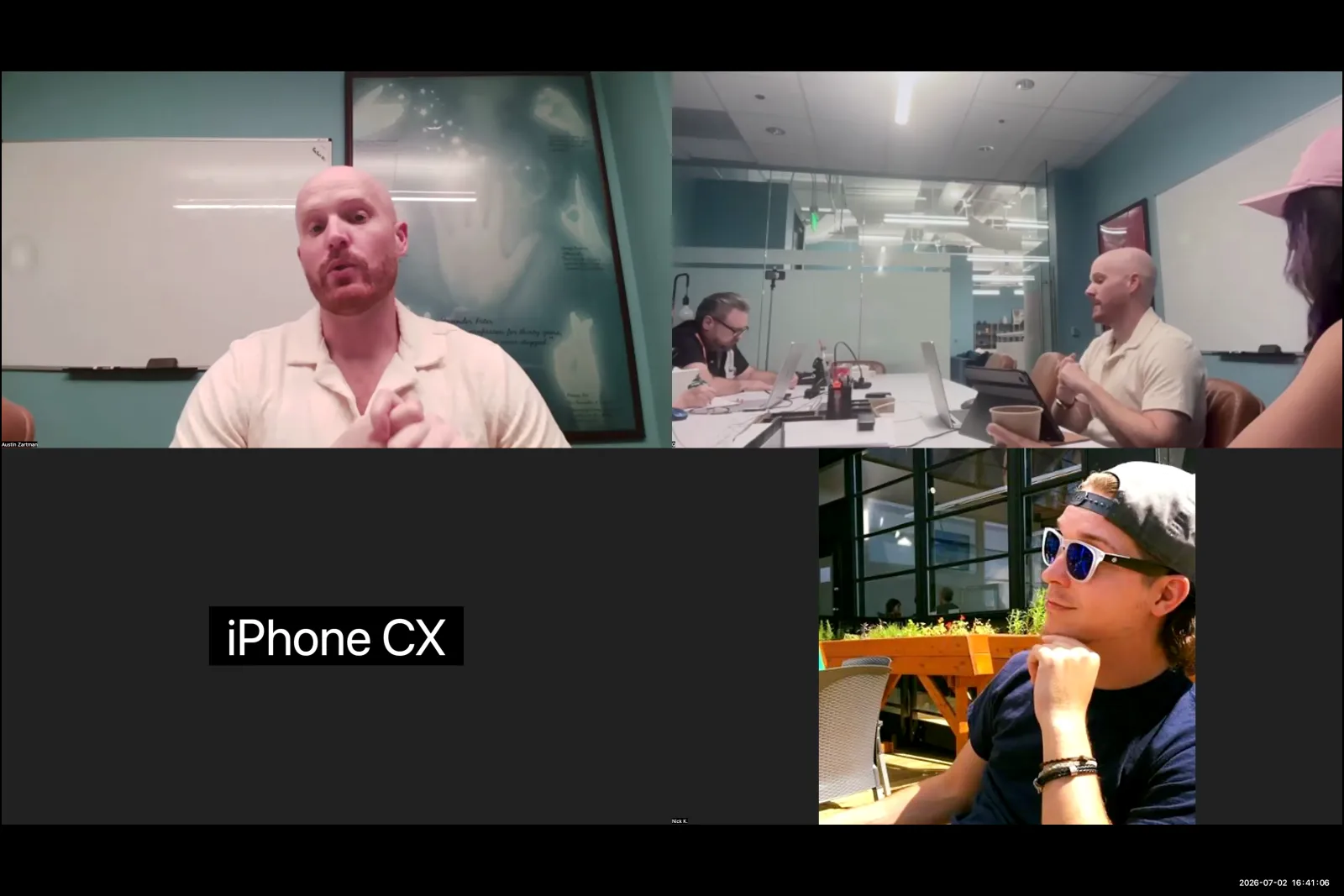
The most effective way to prompt an AI video generator is to keep the request as simple as possible. This is one of the most critical ai video generator filmmaking rules because each command you add is an opportunity for the generation to fail. AI filmmaker Austin Zartman advises against asking a model to perform multiple actions or include complex camera movements in a single prompt. For complex scenes, the best practice is to break the action down into smaller, sequential shots. The video generator is more likely to succeed when it only has to focus on one or two variables at a time.
Here are two key rules for prompting:
- Break Down Complex Scenes: Instead of a single prompt for a character being pushed off a cliff and catching a tree, Zartman suggests a series of shots. You would create one prompt for the characters near the edge, a second for the push, and a third for the character falling out of frame. This sequential method gives you more control and produces more reliable results.
- Use Simple Character Nouns: When prompting for characters, use simple descriptions. "It's helpful to refer to your characters as like the the man or the woman," Zartman explains, especially in a shot with only two characters. Current AI video models do not have memory, so using a character's name, like 'Veil', will not work. To maintain a character's appearance, you would need to include a full description in every single prompt. Using simple nouns is a more efficient way to maintain character identity within a scene.
How to Maintain Visual Consistency in AI Video
To maintain visual consistency between clips, use the final frame of one generated clip as the starting image for the prompt of the next clip. This technique, which Austin Zartman calls a helpful "general practice," guarantees that the subsequent shot begins from the exact same position with identical characters and lighting. It provides the AI video generator with a strong visual anchor, reducing the chance it will introduce unwanted changes. This direct connection between clips is a powerful way to create a more smooth and coherent sequence for the viewer.
Another important practice involves managing camera movement.
- Separate Camera and Action Commands: "It's also good practice to try and separate out the camera movements if possible," Zartman notes. If you do not explicitly tell a model to keep the camera still, it may add its own movement. This can create jarring inconsistencies between shots that are meant to be continuous, such as in a shot/reverse-shot conversation.
- Prioritize a Still Camera: By controlling camera movement in a separate step or by defaulting to a still camera, you gain more control over the final look of your film. A stable shot provides a clean foundation that you can build upon. Unwanted AI-generated camera motion is difficult to remove and can disrupt the narrative flow.
Choosing the Right AI Video Generator for the Job
Specific AI video generators offer different features, costs, and limitations that filmmakers must weigh. The choice of the tool often depends on the specific needs of the project, from sound design to visual style. There is no single best video generator; the right choice is specific to the task.
Here are some examples of tools and their features:
- Kling and C dance: These models often generate video with "baked-in" sound. While not a finished sound mix, this can provide a useful starting point or temporary track for sound design during the editing process.
- CapCut: This tool is known for its accessible pricing model. An attendee at Austin Zartman's masterclass shared that $20 buys 2,000 AI points, with a single generation costing around four points. They noted, however, that CapCut's output "doesn't necessarily have that realistic look that I may want."
- VIO: This platform has an "extend video" feature that works very well on shots originally generated with VIO. According to one filmmaker, this function tends to lower the quality when used on videos from other models. This happens because AI-generated clips contain artifacts that can accumulate with each new generation.
- Seedance: For more advanced or experimental work, a model called Seedance is considered powerful enough to handle complex prompts. It can work with inputs that combine storyboards with style sheets, offering a higher degree of artistic control.
How to Handle Inconsistencies and Errors
You handle inconsistencies in AI video by focusing on the narrative and using editing to hide minor flaws. AI filmmaker Austin Zartman suggests that it is difficult to eliminate all inconsistencies. The trick is to employ "smoke and mirrors," guiding the audience's attention to what is most important for the story in any given frame. This is a classic filmmaking technique adapted for the age of AI. Instead of striving for perfect, artifact-free realism in every detail, the goal is to create a clip that effectively communicates the necessary story beat.
It is also important to be aware of how errors accumulate. When you generate a new clip based on a previously generated one, such as using an 'extend video' function, the quality can degrade. AI videos contain subtle artifacts, and layering generations on top of each other can amplify these imperfections. This is why VIO's extend feature works best on its own native clips. Understanding this limitation helps in planning a workflow that minimizes quality loss and preserves the integrity of the image.
Key Takeaways for Your AI Filmmaking Workflow
Adhering to a few core principles is the best way to get usable results from any AI video generator. These ai video generator filmmaking rules are not about limiting creativity, but about understanding the technology's current state to work with it effectively. The three main pillars are simple prompts, a focus on consistency, and strategic error management. By breaking down scenes, using image-to-video techniques, and embracing an editor's mindset, filmmakers can produce coherent and compelling narratives with the AI video tools available today.
Frequently asked questions
What's the best way to prompt an AI video generator for a complex action?
According to AI filmmaker Austin Zartman, the best approach is to break the complex action into multiple, simple shots. Instead of one prompt for the entire sequence, create a series of prompts for each part of the action, ensuring each request is simple and clear.
Should I use character names in my video prompts?
No, you should avoid using character names unless you provide a full character description in every prompt. AI models lack memory, so it is more effective to use descriptive terms like "the man" or "the woman" to maintain consistency within a scene.
How much does an AI video generator like CapCut cost?
Based on an attendee's experience shared in a masterclass, CapCut offered a plan where $20 provided 2,000 AI points. Each AI video generation cost approximately four points, making it an accessible option for experimentation.
How do I keep my shots consistent?
To ensure consistency, use the final frame of one clip as the starting image for the next. This method preserves lighting, character position, and background. Additionally, separate your camera movement commands from character action commands in your prompts to prevent the AI from adding unwanted motion.
Keep learning
This guide is part of the The AI Microdrama Workflow and Monetization Landscape masterclass lesson.
Related guides:
Comments
Sign in with your Leyline account to join the conversation.