An AI filmmaking course is a structured learning program designed to teach the practical skills and workflows necessary for creating narrative content using artificial intelligence tools. These courses move beyond simple tutorials to offer a comprehensive curriculum covering AI-native scriptwriting, advanced prompt engineering, character consistency, and post-production editing. Often built around a collaborative cohort model and a central production platform, these programs provide a framework for navigating the trial-and-error process inherent in this new medium. They emphasize adapting traditional filmmaking principles to a workflow where the filmmaker directs AI models rather than human actors, focusing on accumulating and refining a large volume of generated clips to construct a cohesive story.
What core skills does an AI filmmaking course teach?
An effective AI filmmaking course focuses on the foundational skills of writing and editing, adapting them for an AI-native workflow within a collaborative environment. The goal is to train students to become proficient editors of AI-generated content. According to AI filmmaker Austin Zartman, creator of the AI series ASHES, his masterclass is a "really good session... to be like really good at editing because with writing and editing, you can do really good show."
The learning structure is often built around a cohort model that encourages peer-to-peer support. In Zartman's course, students are encouraged to collaborate. He explains, "reach out to your fellow cohort and ask." This structure includes specialized roles, with certain students focusing on character development and designated experts like Brad, who serves as "the floater for consulting on the editing." This approach ensures students learn not only the technical tools but also how to work within a team to solve creative problems unique to AI, such as refining character wardrobe or environmental architecture.
What is the main philosophy for working with AI?
The primary philosophy taught in an AI filmmaking course is to not fight the AI, but to adopt a flexible, documentary-style workflow that embraces the technology's inherent unpredictability. This approach was developed through extensive experimentation. Austin Zartman notes, "for the past six months, we have accumulated a million lines of code. Like, it's all like trial and error and learning the experience as you go." This experience led to a core principle for his students.
Zartman states, "I think key number one is not to fight the AI." He explains that the rigid, traditional workflows of live-action and CG filmmaking do not fit the current state of AI technology. Instead, he advises a more fluid process. "With AI, you kind of got to go with the flow a little bit, like make it more like uh directing live action or like doing a documentary style, accumulating a whole bunch of clips." This mindset shifts the filmmaker's role from a director with total control to a curator who guides the AI and shapes the narrative from a large pool of generated material.
How does an AI filmmaking course change your scriptwriting process?
An AI filmmaking course teaches students to fundamentally change their scriptwriting process, moving from a conventional writer's script to a more practical "shooting script" designed specifically for AI generation. The course curriculum is shaped by real-world discoveries made by its participants. For example, attendee Bill realized after completing his first episode that his entire approach to writing had to change.
As Zartman's team explains, "he's going to write the script totally differently because, you know, in Hollywood, a writer writes a script and that's not the script that you shoot." This lesson is central to the course. Students learn that a script for AI must be more descriptive and flexible, often broken down into detailed prompts that function as a blueprint for the AI model. The course teaches how to translate narrative ideas into machine-readable instructions that will yield usable footage, a skill distinct from traditional screenwriting.
What practical techniques and tools are taught in an AI filmmaking course?
A practical AI filmmaking course teaches specific, actionable techniques for prompt engineering, maintaining character consistency, and using accessible editing tools. The curriculum provides concrete rules and examples to guide students. For prompt engineering, the course details how to combine genres and descriptors to create a unique visual style. A specific prompt used in the ASHES series was: "Kodo Kodo Momuki Gothic anime steampunk fantasy design." It took the team "days" of iteration and testing five different versions of anime styles to perfect this look.
For character consistency, the course provides a clear rule: "If a character appears in more than two shots or one shot, you would want a look because otherwise it will start looking different." This means creating a consistent character design sheet or reference image to guide the AI. Students also learn practical tips discovered through experience, such as adding "a little bit extra direction to each prompt" to generate longer clips, which provides more material for creating smooth edits. On the software side, while tools like Premiere and DaVinci are discussed, the course identifies CapCut as the "most easiest to use" for quickly editing AI-generated clips, making it an accessible starting point.
What kind of platform supports an AI filmmaking course?
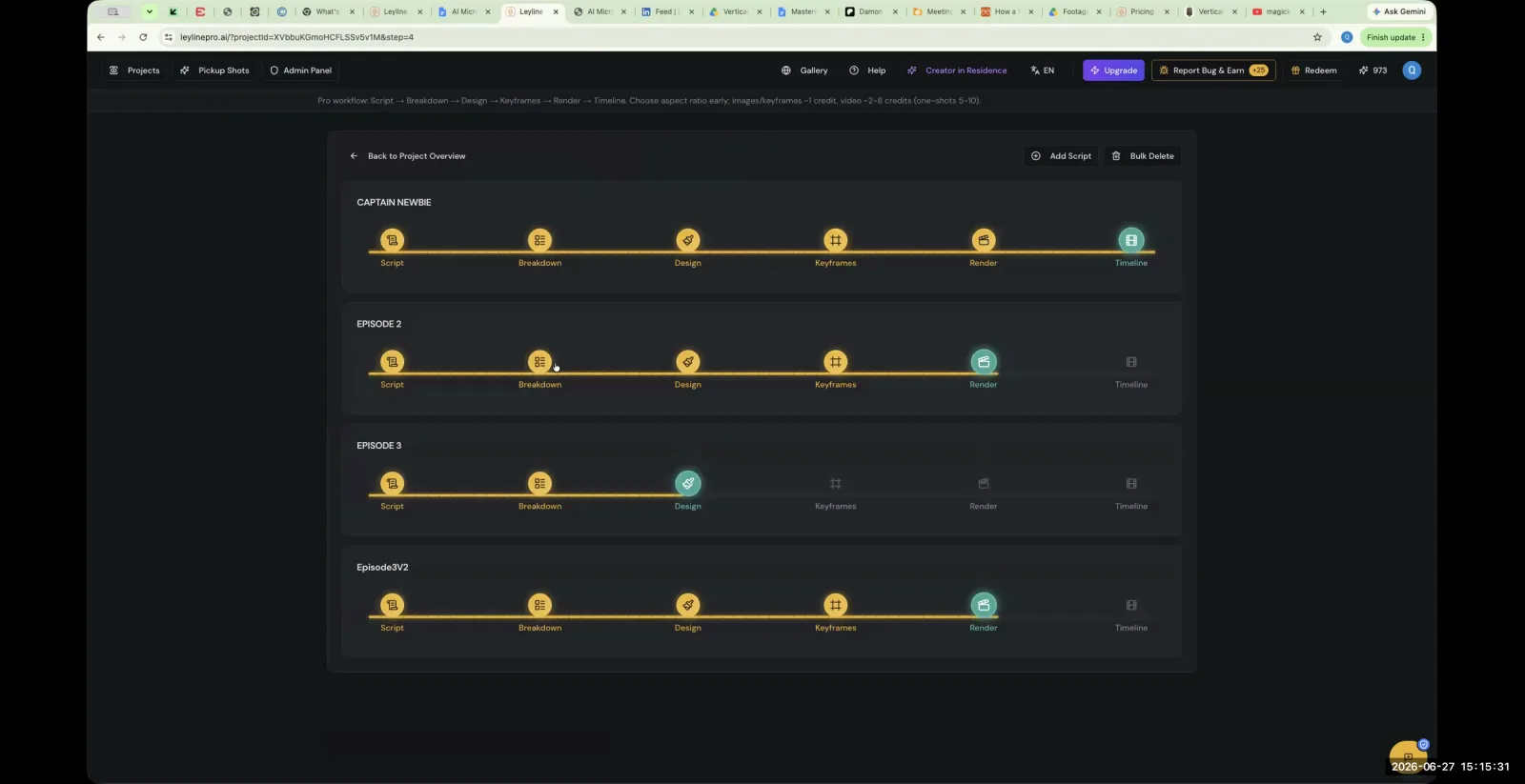
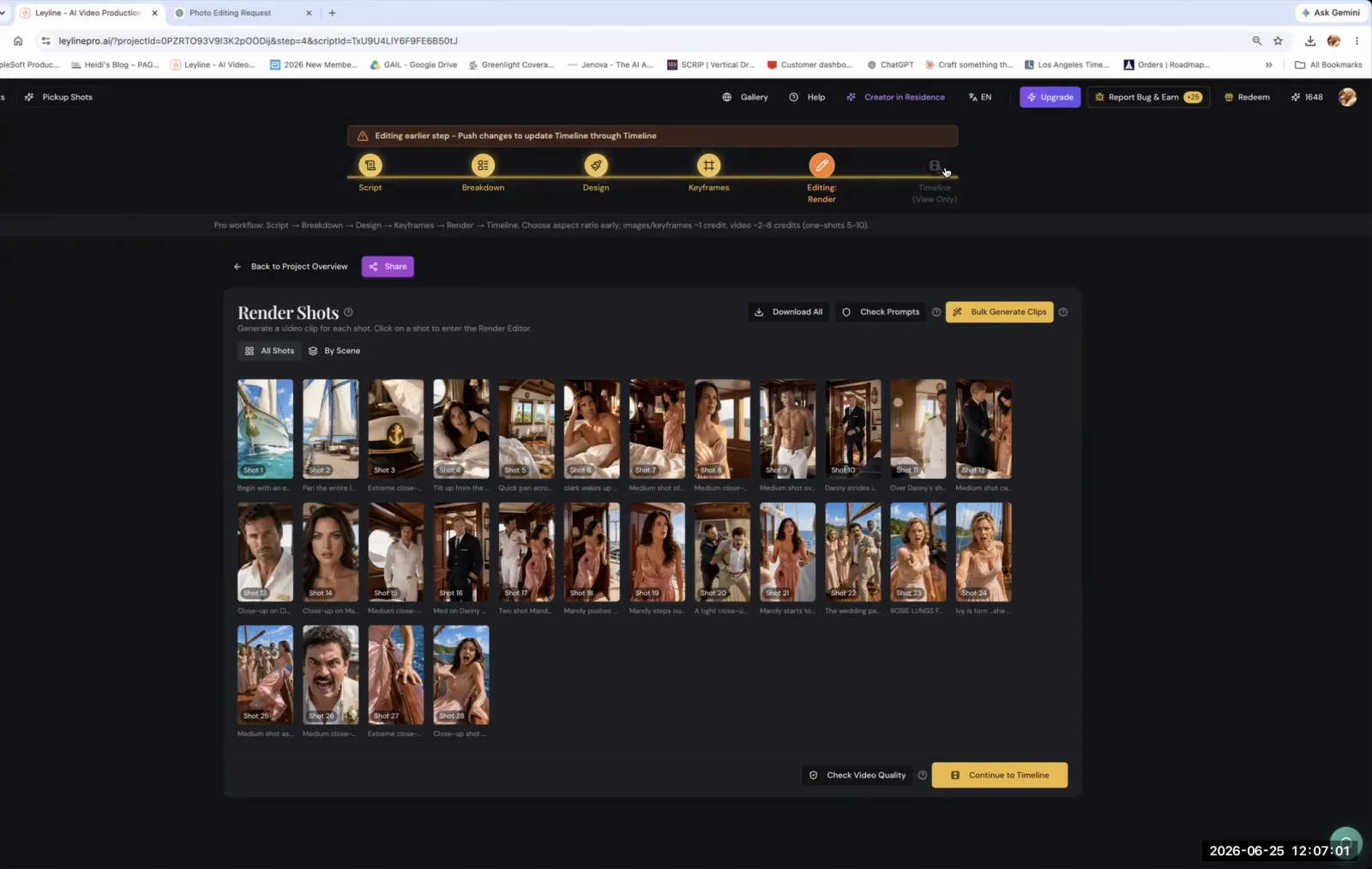
AI filmmaking courses often use a central platform that functions as a "pipeline aggregator" to manage the complex workflow, ensuring consistency and version control across hundreds of shots and multiple episodes. This type of platform is crucial for moving beyond single-clip generation to serious narrative production. The course taught by Austin Zartman utilizes Leyline, which he describes as a system built to handle the logistical challenges of AI filmmaking.
Leyline is designed as an aggregator where you can manage functions from various models in one place. Zartman explains, "the key for this is if you want to add or delete shots or drag shots around and keep consistency, version control, multi-episode stuff. So that's the stuff we're good at." The course curriculum is integrated with this platform, teaching students how to leverage its features to maintain a coherent project, manage different versions of shots, and scale their storytelling from a short film to a full series.
Frequently asked questions
What is the most important mindset for an AI filmmaking course?
An AI filmmaking course teaches that the most important mindset is flexibility. Instructor Austin Zartman's key principle is "not to fight the AI." Students learn to adopt a workflow similar to documentary filmmaking, where they accumulate a large number of clips and find the story through the editing process.
What editing software is recommended in AI filmmaking courses?
While professional editors like Premiere Pro and DaVinci Resolve are options, courses often recommend accessible tools for handling AI clips. In Austin Zartman's masterclass, attendees identified CapCut as the "most easiest to use" editor, making it a practical choice for those new to the workflow.
How do courses teach character consistency in AI video?
Courses provide specific rules for maintaining character consistency. A core technique taught is to provide the AI with a reference "look" or design sheet for any character who appears in more than one or two shots. This prevents the AI from generating visually different versions of the same character.
Is collaboration part of an AI filmmaking course?
Yes, collaboration is a key component of many AI filmmaking courses. They often use a "cohort" model where students support each other on creative challenges like character design. Some courses, like Austin Zartman's, even provide access to specialists, such as an "editing floater," for expert consultation.
Keep learning
This guide is part of the Advanced AI Filmmaking Workflow and Troubleshooting masterclass lesson.
Related guides:
Comments
Sign in with your Leyline account to join the conversation.