CapCut vs DaVinci Resolve AI Filmmaking: An Expert Comparison
The choice between CapCut vs DaVinci Resolve AI filmmaking tools depends on your project's needs. Both are non-linear editors (NLEs), but they are built for different users. DaVinci Resolve is a professional suite with deep features in color grading, visual effects, and audio post-production, offered completely for free. CapCut is a user-friendly editor known for its integrated generative AI features and mobile-first design, operating on a freemium model. An AI filmmaker must weigh the trade-offs between CapCut's accessible AI tools and Resolve's comprehensive professional control.
Which is better for beginners, CapCut or DaVinci Resolve?
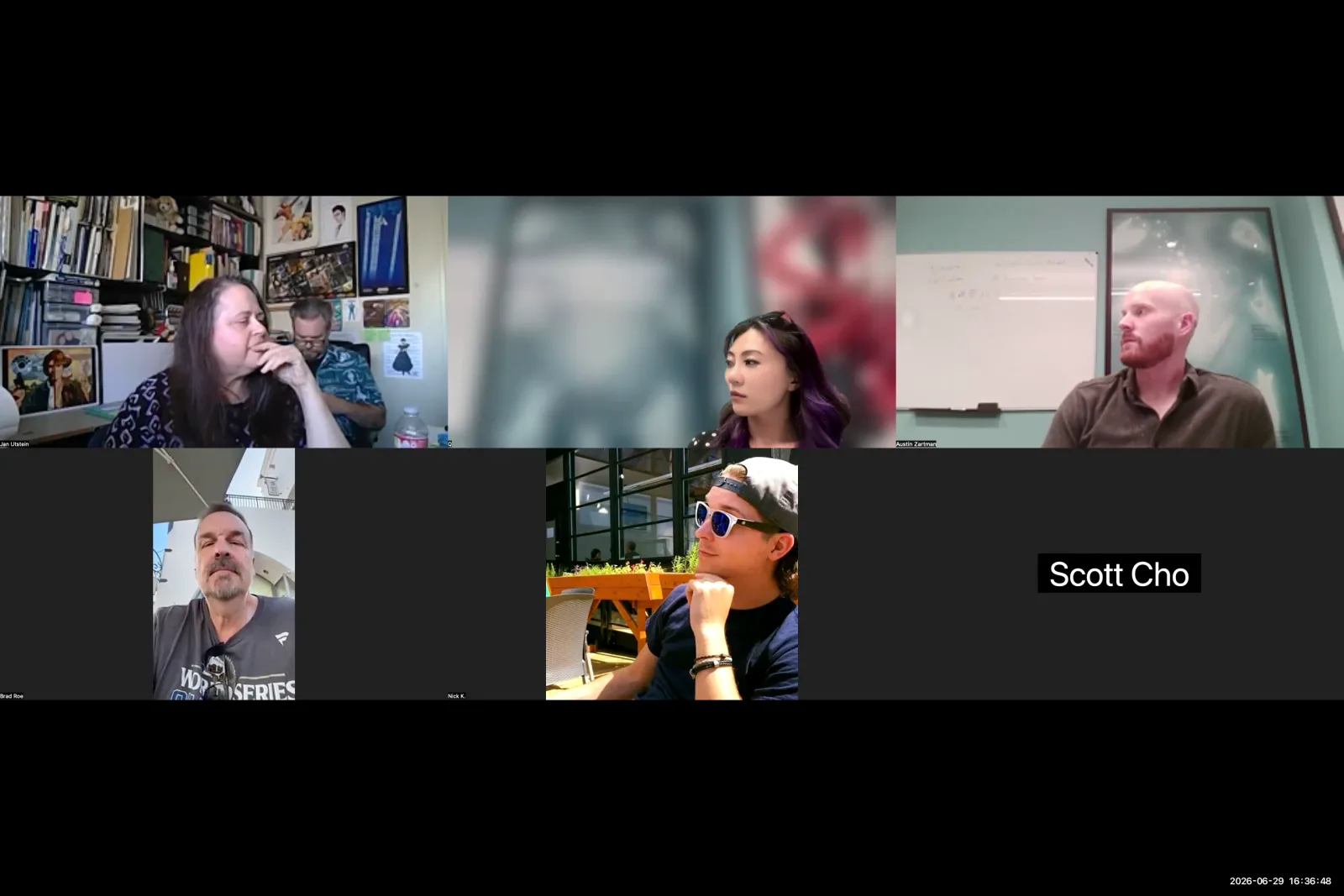
CapCut is better for beginners because it is a lighter, less intimidating program. Its simplified interface helps new users focus on editing fundamentals without a steep learning curve. AI filmmaker Austin Zartman calls CapCut "a really good program to get started with" for this reason. The constrained feature set prevents the overwhelm that a professional suite like DaVinci Resolve can cause.
The simplicity of CapCut is clear in its workflow. Applying common effects is straightforward.
- Ease of Use: Zartman explains, "In CapCut, you can just literally search, uh, like zoom effect and like drag it on top of the clip and it'll apply that zoom effect."
- Accessibility: This drag-and-drop functionality makes it a practical starting point for learning editing.
In contrast, Zartman describes DaVinci Resolve as "a little bit more like complex because of the the ways in which you can use it." This complexity can be a barrier for those just starting their filmmaking journey.
Is DaVinci Resolve or CapCut better for professional control?
DaVinci Resolve offers significantly more professional and granular control over every aspect of the edit. It allows for precise manipulations that are essential for detailed post-production work, which is why it is favored by industry professionals. Austin Zartman highlights this key difference, noting that with Resolve, "you can say I want to zoom in on this very specific part of the image."
This level of precision is not available in CapCut. Zartman provides a specific example to illustrate the point: "if I wanted to zoom in, you know, just on the the skeleton's face and get there very quickly, like that's something that you could do." This action is simple in Resolve but difficult in CapCut. He notes that with CapCut, "you may be limited... it's not going to be quite as granular as something like this." While CapCut can perform basic functions like separating audio and video tracks, its ability to finely manipulate clips, sound, and effects is constrained compared to the deep, node-based systems found in DaVinci Resolve.
Key differences in control include:
- DaVinci Resolve: Node-based effects, precise keyframing, and detailed parameter adjustments.
- CapCut: Template-based effects and simplified controls.
What are the cost differences between CapCut and DaVinci Resolve?
DaVinci Resolve is a completely free tool with a vast professional feature set, while CapCut uses a freemium model that limits features to encourage paid upgrades. According to Austin Zartman, DaVinci Resolve's free version is so comprehensive that after using it for eight months, he still hasn't needed the paid Studio version. He confirms, "DaVinci is just a a free tool that you can use and you're not paying for anything on there."
CapCut's business model is different. It provides a functional free version, but many advanced tools are locked behind a subscription.
- Limited Free Features: Zartman points out that "the features that you get for free, there there's there's much fewer than a program like DaVinci."
- Upgrade Path: He adds, "everything that CapCut is doing is to try and get you to use the paid pro version."
- Generative AI Costs: This extends to its generative AI features. Creating assets is not free. Zartman explains that "generating assets, you know, costs uh costs credits just like any other program."
This makes DaVinci Resolve the more cost-effective option for any filmmaker who needs professional tools without recurring costs or credit-based systems.
CapCut vs DaVinci Resolve AI Filmmaking: Which Has Better AI Features?
CapCut has built-in generative AI features, which the standard free version of DaVinci Resolve does not. CapCut's integrated AI, named Dreamina, allows users to generate or extend video clips directly within the editing timeline. This provides a significant advantage for AI-native workflows where content generation is a core part of the editing process itself. An AI filmmaker can iterate on ideas without leaving the application.
Austin Zartman shared a powerful example of Dreamina's capabilities from his work on ASHES. He was struggling to generate a specific shot with an external AI tool. "When I did it in Layline, it came out to be like these modern boots with track design... I couldn't get it to do like an old-fashioned boot," he recalls. "But in Dreamina, I was able to." This demonstrates how CapCut's integrated generative AI can solve specific creative problems. It can achieve results that might be difficult with other AI generators, making it a uniquely powerful tool for certain AI filmmaking tasks.
How do sound design features compare in DaVinci Resolve vs CapCut?
DaVinci Resolve includes a large, integrated, and free sound effects library with thousands of options. AI filmmaker Austin Zartman identifies this as a major advantage of the software, stating, "that is one of the reasons why I enjoy using it." This built-in library streamlines the sound design process. It allows editors to find and place high-quality audio without leaving the application or paying for external libraries.
The workflow in DaVinci Resolve is smooth. Zartman describes it this way: "essentially you just search for it... in this uh integrated window and then if I wanted to find like the, you know, like a rain falling or whatever, it'd probably give me like three different options. I'd simply drag it uh from onto the timeline like I would any other clip." While the masterclass confirms CapCut can manipulate sound effects, it also suggests its capabilities are "a little bit more constrained." This gives DaVinci Resolve a clear edge with its comprehensive, free, and integrated sound library.
Key Differences at a Glance: CapCut vs DaVinci Resolve
To summarize the CapCut vs DaVinci Resolve AI filmmaking discussion, here is a direct comparison of their core strengths and weaknesses for the modern AI filmmaker.
CapCut
- Best For: Beginners, social media creators, and filmmakers who need integrated generative AI.
- Learning Curve: Low. The interface is intuitive and designed for quick editing.
- Cost: Freemium. A free version is available, but many features, including AI generation credits, require a Pro subscription.
- AI Features: Excellent. Integrated Dreamina AI for generating and extending clips directly in the timeline.
- Control: Limited. Best for basic edits and applying pre-made effects.
- Sound Design: Basic. Can manage audio tracks but lacks an extensive built-in library.
DaVinci Resolve
- Best For: Professional filmmakers, colorists, and editors who need granular control and an all-in-one post-production suite.
- Learning Curve: Steep. The software is deep and complex, requiring time to master.
- Cost: Free. The standard version is free and includes more professional tools than most paid editors.
- AI Features: Limited in the free version. The paid Studio version has AI-powered tools (Neural Engine), but not generative AI for video.
- Control: Unmatched. Node-based compositing, advanced color grading, and precise keyframing.
- Sound Design: Professional. Includes the Fairlight audio post-production suite and a massive, free, integrated sound effects library.
Frequently asked questions
Is DaVinci Resolve completely free?
Yes, the standard version of DaVinci Resolve is completely free and extremely powerful. AI filmmaker Austin Zartman notes he has used it for eight months without needing the paid "Studio" version, as the free software contains an extensive set of professional tools for editing, color, and audio.
Can CapCut handle basic editing tasks like separating audio?
Yes, CapCut is capable of fundamental editing tasks beyond simple clip trimming. The masterclass confirmed that you can separate video and audio tracks in CapCut, making it a viable non-linear editor for projects that require basic audio manipulation and track management.
What is Dreamina in CapCut?
Dreamina is the name of the generative AI integrated into the CapCut application. It allows users to perform AI-driven tasks like extending existing video clips or generating new visuals from text prompts directly within the editing interface, streamlining the AI filmmaking workflow.
Why would an AI filmmaker choose CapCut over DaVinci Resolve?
An AI filmmaker might choose CapCut for its speed, simplicity, and integrated generative AI tools. Austin Zartman provides an example where CapCut's AI succeeded in creating a specific "old-fashioned boot" visual that another AI tool could not, making it valuable for specific creative challenges.
Keep learning
This guide is part of the Editing and Sound Design masterclass lesson.
Related guides:
Comments
Sign in with your Leyline account to join the conversation.