Writing effective AI video prompts means giving the model a specific, single action to execute — subject, composition, motion, setting, and mood — plus tagged reference images so characters stay consistent. The more structured your request, the fewer retakes you need.
Be specific — vague prompts get vague results
The biggest lever is detail. "A woman walking" gives the model total freedom; "a medium shot of Mandy in a red dress walking left to right along a cliff edge at dusk, ocean on her right" gives it something to execute. Include the why when it helps ("she's anxious, hurrying") — emotional context improves the result. The more you give it, the faster you converge.
Think of the prompt as a mini-shot-list entry. Spell out:
- Subject — who is in frame, what they look like
- Composition — wide, medium, close-up, angle
- Action — one clear motion or beat
- Setting — location, time of day, light quality
- Mood — tone, pace, atmosphere
Every field you leave blank is a decision the model makes for you — and it may not match your vision.
One action per shot
Ask for one clear action, not three. Models struggle with "she opens the door, turns, and waves while the dog runs past." Break complex moments into separate shots, each with a single action. AI also can't reliably do "half actions" — give it a complete, simple beat.
This maps naturally onto good filmmaking anyway. Editing rhythm comes from cutting between clean beats, not from cramming all the action into one long take.
Use positive framing
Describe what you want, not a pile of what you don't want. Lead with the subject, composition, and action. Save "don't" instructions for true problem-fixers — negative prompts work best when they're targeted, not when they're a generic quality wishlist.
Tie the prompt to your references
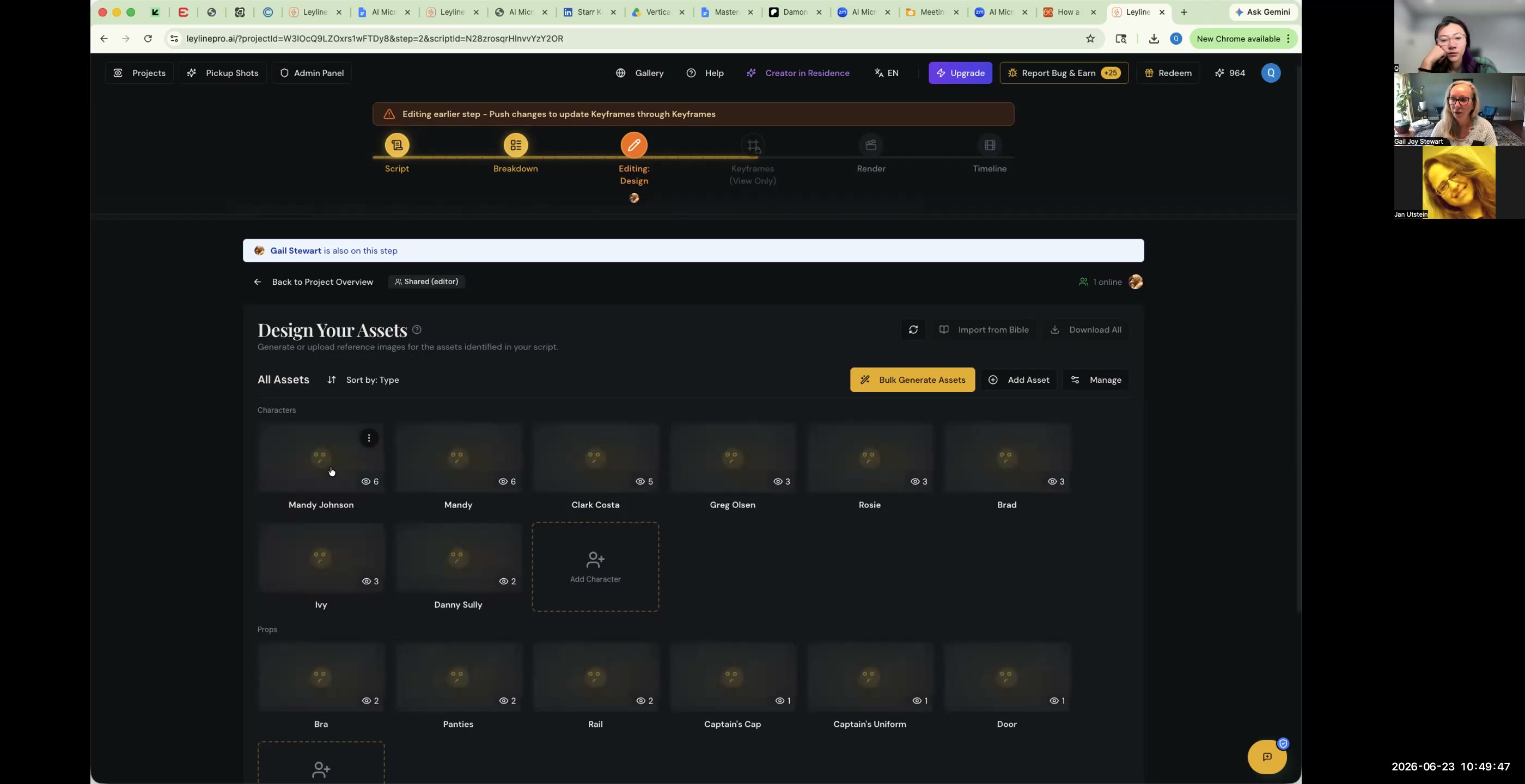
Consistency doesn't come from words alone — it comes from reference images tagged to the shot. If your prompt mentions "Mandy," make sure Mandy is in the shot's tagged asset references; that's how the model keeps her face and wardrobe stable. A prompt that names a character with no reference attached will drift. If you generated the keyframe manually, add the asset reference before generating.
This is especially important when you're using models like Veo 3, Kling, or Seedance, which all honor reference assets differently. Veo 3 tends to respect tagged references tightly; Kling is strong on motion consistency; Seedance handles longer shots with stable subjects. Know your model's strengths before committing to a final render pass.
Fix specific problems with negative prompts
When something keeps going wrong — fidgety hands, an unwanted object, a recurring artifact — a negative prompt is the targeted tool. Use it to remove the specific defect, not as a catch-all. For a full breakdown of when and how to use them, see the guide on negative prompting in AI video.
Common negative prompt candidates:
- Distorted hands — almost every model struggles with hands; calling them out helps
- Camera shake — if you want a locked-off shot, say so negatively too
- Motion blur on faces — specify sharp face, shallow background blur if needed
- Extra people — if only one character should be in frame, say "no crowd, no bystanders"
Prompt structure for dialogue and character scenes
Scenes with characters talking or reacting deserve extra care. Layer in:
- Facial expression — "slight smile fading to concern" beats "neutral face"
- Eye direction — "looking camera left, then glancing down"
- Body language — "shoulders tense, arms crossed at chest"
- Lighting motivation — "lit from the window on her right"
This level of detail is especially useful in micro-drama productions where character emotion carries the whole scene. For more on structure, see micro-drama script structure and how to make an AI micro-drama.
Iterate — and lock what works
AI generation is iterative; two or three attempts on a hard shot is normal. When a prompt produces a good result, keep that version (everything's saved) and reuse the pattern. Render low-res to test, then re-render at full quality.
Build a personal prompt library as you go. Group prompts by shot type — establishing, dialogue, reaction, transition — and reuse what worked. Prompt reuse also reduces credit spend, since you spend fewer attempts finding the right output. For more on reducing waste, see how to save credits on AI video.
Frequently asked questions
Why won't my AI character stay consistent even with a good prompt?
Consistency comes from tagged reference images, not text alone. Make sure the character is tagged to the shot's asset references; a named character with no reference will drift. See the full guide on how to maintain character consistency in AI video.
How detailed should my prompt be?
Very. Specify subject, composition, action, setting, and mood — and the intent behind it. Vague prompts produce vague, inconsistent output. If you can't describe the shot in words, you probably haven't visualized it clearly enough yet.
What's the "one action" rule?
Ask for a single clear action per shot. Models handle "she sits down" far better than "she sits, sighs, and picks up the phone." Split complex beats into separate shots.
When should I use a negative prompt?
To remove a specific recurring problem (e.g. distorted hands), not as a general quality dial. Lead with positive description first, then add negative prompts only to fix what's actually broken.
Keep learning
Specific + one action + tagged references + iterate. Dig deeper with how to maintain character consistency, negative prompting in AI video, and how to render every shot in AI video.
Comments
Sign in with your Leyline account to join the conversation.