
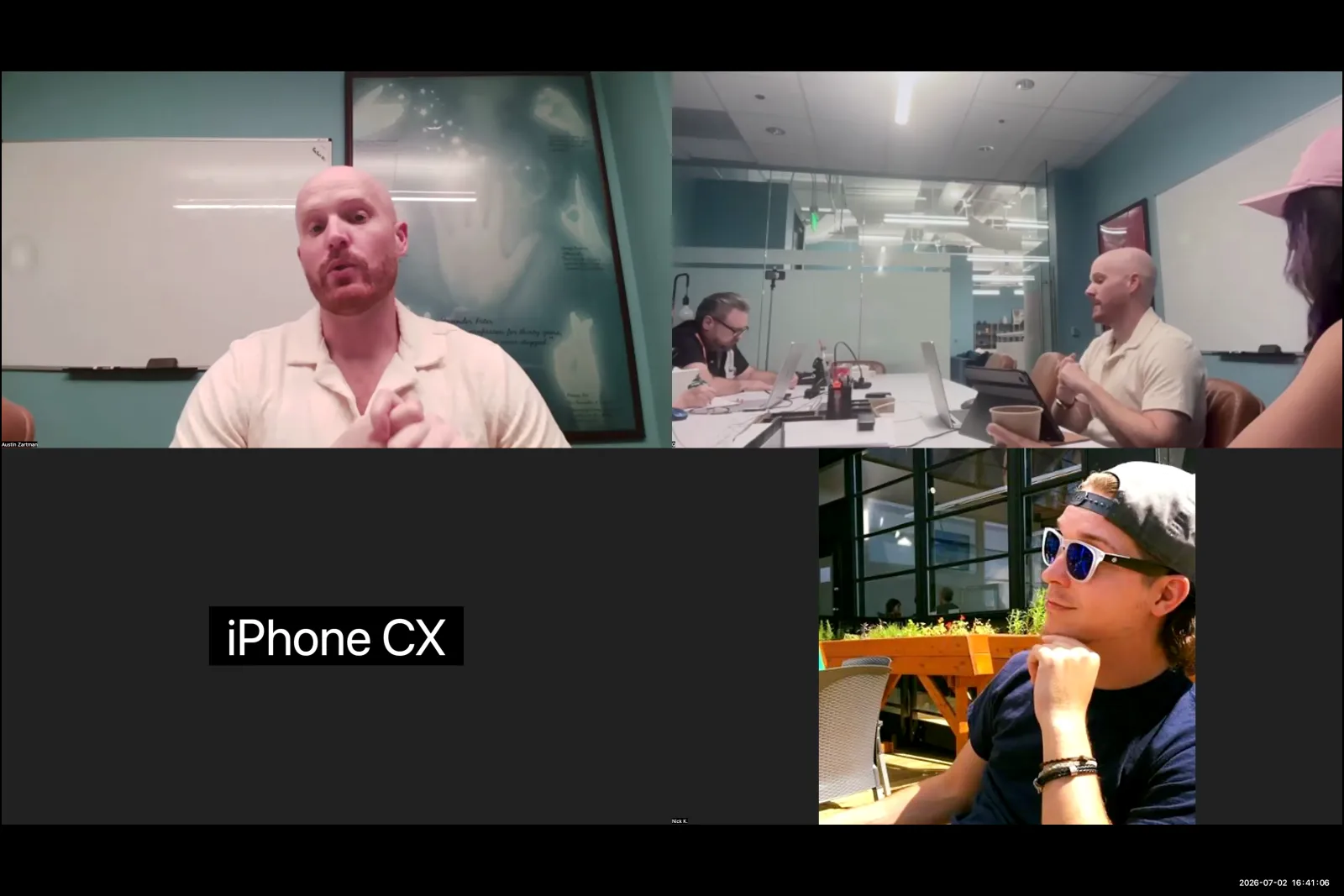
According to AI filmmaker Austin Zartman, creator of the AI short-film series ASHES, the image generation phase is where filmmakers establish the visual language of their project. However, achieving the necessary consistency for a narrative story presents significant technical and creative hurdles that define much of the current AI filmmaking experience.
The Core Role of Image Generation in AI Filmmaking
Image generation is the stage where you create the foundational still images, or key frames, that will later be animated into video clips. It is one of the six core stages of the AI filmmaking process, following writing and preceding video generation, editing, and sound design. These generated images are the primary visual reference for the AI video model, making the quality of this stage critical for the final output.
Austin Zartman states that the key frame you use is the "number one most helpful thing" for the video generation stage. The AI model uses this initial image as the starting point and the main source of information for creating motion. The success of the subsequent video generation is almost entirely dependent on the quality and content of this initial image. Everything present in that key frame directly dictates the content and quality of the resulting video clip. Key elements established during image generation in AI include:
- Character Appearance: The specific look of a character, including their clothing, facial features, and expression.
- Lighting: The mood and time of day, established by the direction, color, and intensity of light.
- Environment: The details of the setting, from the objects in a room to the landscape of an outdoor scene.
- Composition: The arrangement of elements within the frame, which guides the viewer's eye.
This makes the image generation in AI phase critical for establishing the look and feel of every shot in a film.
Why Is Image Generation in AI So Difficult?
Image generation in AI is difficult and time-consuming primarily because of the challenge in creating consistent images, especially with specific characters and environments. AI filmmaker Austin Zartman highlights this stage as "one of the most frustrating and time-consuming and expensive parts of the process," noting that for his projects, it takes up 50% of the total production time.
The core problem is maintaining the illusion of a continuous reality across multiple shots. It is hard to create a series of images that look like they belong in the same space, such as a character in a room with four distinct walls where the audience understands their position. The main hurdles in image generation in AI include:
- Character Consistency: Generating the same character with the same features and clothing across different scenes and angles.
- Environmental Cohesion: Ensuring that a setting remains consistent from shot to shot, with objects staying in the same place.
- Lack of Model Memory: The AI has no memory of previous generations, treating each prompt as a brand-new request.
This difficulty is why many AI videos feature quick cuts and constantly shifting settings; it's a workaround to avoid the challenge of visual consistency. Zartman explains that achieving this consistency requires a creator to "slow down and be patient" and focus on the small details that link one image to the next.
Techniques for Consistent Characters and Scenes in Image Generation
You can create consistent characters and scenes by using specific techniques to overcome the AI model's limitations, such as its lack of memory. A practical method is to use the final frame of one generated clip as the starting image for the next. This approach guarantees continuity in lighting, character position, and setting, creating a smooth connection between two shots.
This technique is necessary because AI models do not retain information from one prompt to the next. Austin Zartman points out that if you refer to a character by name, for example, "Veil," the model won't know who that is unless you provide a full description in every single prompt. Each generation is the first time the model has heard that name. To create a consistent character during image generation in AI, you must repeatedly describe them in detail.
Key strategies for consistency include:
- Frame-to-Frame Continuity: Use the last frame of a generated video as the input image for the next key frame. This directly connects two shots with identical visual information.
- Hyper-Detailed Prompts: Write exhaustive descriptions for characters and settings in every prompt. Do not rely on the AI to remember details from previous prompts.
- Patient Iteration: Zartman emphasizes a key rule for this entire phase: "I've always found that just going slow and being patient in the image generation phase saves you so much headache down the road." This means taking the time to get each key frame right before moving on.
Using AI to Write Prompts for Image Generation
You can use an AI language model like ChatGPT to write the complex prompts needed for an AI image generator. This method streamlines the process of image generation in AI by having "the computer writing it for the computer," allowing you to generate effective, detailed prompts from a general idea and visual references without painstaking manual effort.
Austin Zartman describes a workflow where he provides a language model with his general concept and uploads reference visuals. The AI then generates the precise prompts needed to create the desired key frames. This workflow can be broken down into a few steps:
- Provide a Concept: Start by giving the language model a high-level description of the scene you want to create.
- Upload References: Supply the model with existing images that capture the style, mood, or character design you are aiming for.
- Generate Prompts: The language model analyzes the concept and references to produce a detailed, structured prompt formatted for the image generator.
- Iterate and Refine: Use the generated prompts and refine them as needed to achieve the perfect key frame.
Zartman gives a specific example of this efficiency: "I was able to do four or five key frames in a matter of like a half hour because I just went in and said, 'Create the prompts for me.'" This technique allows the filmmaker to leverage the AI's understanding of its own systems to get better results faster, avoiding the frustration of manually guessing the right phrasing for effective image generation in AI.
The Role of the Key Frame in Image Generation in AI
A key frame in image generation in AI is the essential still image that serves as the primary visual reference for the video generation stage. Whatever is depicted in that key frame—the characters, lighting, and composition—provides the foundational information from which the AI model will create an animated video clip. This single image is the starting point for the video model.
As Austin Zartman explains, "whatever key frame you're using is going to be the number one most helpful thing because like anything that's in that, that is the the reference that it's pulling from." The quality and content of your key frame directly determine the quality and content of the subsequent video. Its creation is the most critical step in the image generation in AI workflow for a filmmaker. A strong key frame provides the AI with clear instructions on:
- The subject's appearance and position.
- The specific lighting of the scene.
- The overall composition and camera angle.
- The environmental details and background elements.
Because this single image carries so much weight, spending time to perfect it during the image generation phase is essential for a high-quality final video.
Frequently asked questions
What is image generation in AI?
Image generation in AI is the process of creating still pictures from text descriptions, known as prompts. In AI filmmaking, this stage produces the "key frames" that serve as the visual foundation for animated video clips, establishing the look of characters and scenes before motion is added.
Why is character consistency hard in AI images?
Character consistency is hard because AI models lack memory. During the image generation in AI process, you cannot simply refer to a character by name in a prompt. As Austin Zartman explains, you must provide a detailed description in every single prompt to ensure the model generates the same character each time.
How much time does image generation take in an AI film project?
The process of image generation in AI is one of the most time-intensive parts of AI filmmaking. Filmmaker Austin Zartman notes that for his projects, this stage consistently takes up around 50% of the total production time due to the difficulty of achieving visual consistency across multiple shots.
What is the best way to ensure scene continuity?
A highly effective technique for scene continuity is to use the final frame of a generated video clip as the starting image for the next one. This method ensures the characters, lighting, and environment are identical, creating a smooth and believable transition between shots.
What is a key frame's purpose in AI filmmaking?
A key frame is the single most important reference for the video generation stage. It is the still image that the AI model starts from to create motion, so its composition, lighting, and content directly control the resulting video clip. A strong key frame is the critical starting point for any video clip created through image generation in AI.
Keep learning
This guide is part of the The AI Microdrama Workflow and Monetization Landscape masterclass lesson.
Related guides:
Comments
Sign in with your Leyline account to join the conversation.