Key Frames Meaning AI Filmmaking: A Practical Guide
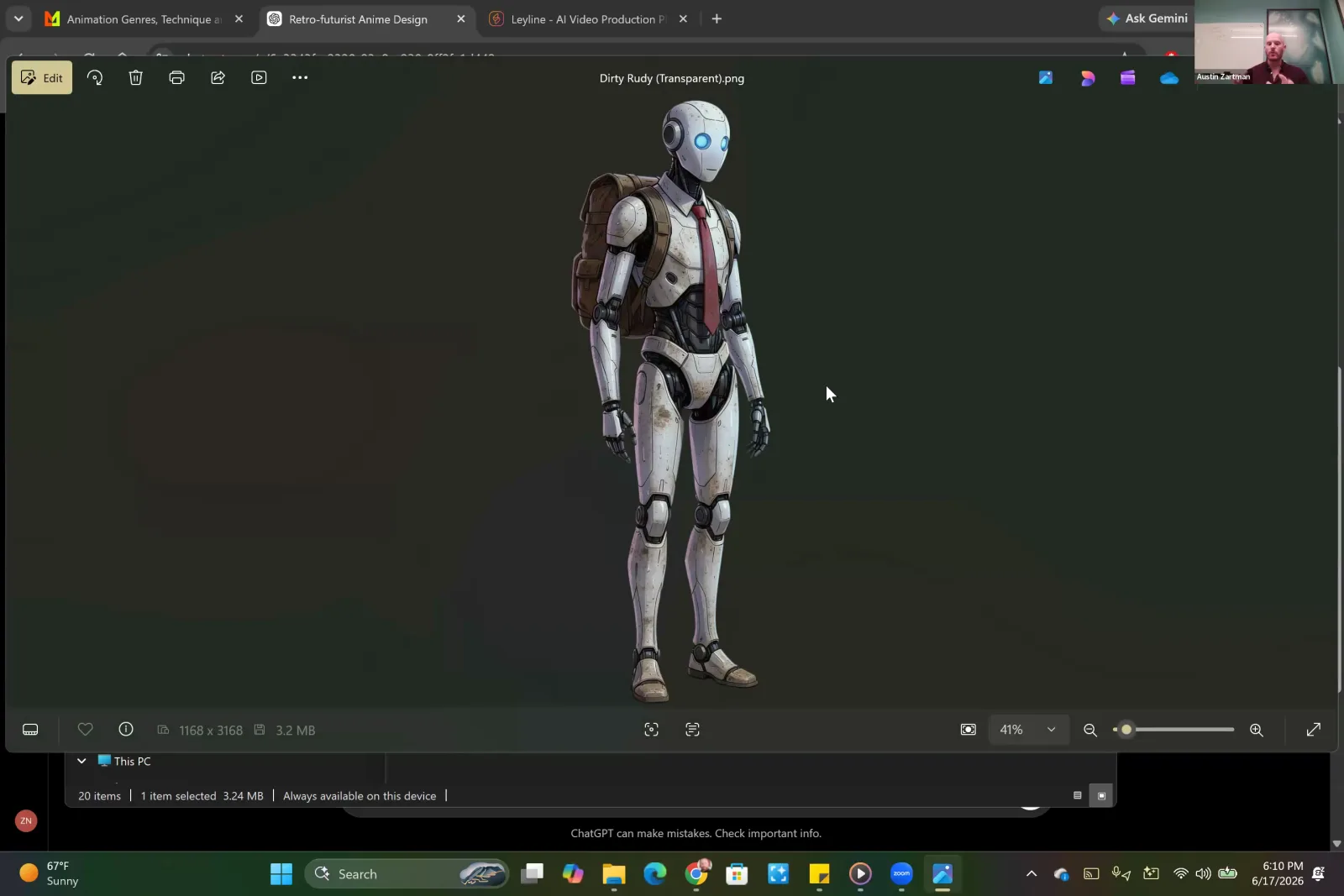
To understand the key frames meaning AI filmmaking, one must see them as foundational still images that guide AI video models. These images act as the primary input, defining a shot's action, composition, and aesthetic. They are the critical link between a static image and a dynamic ai video. According to AI filmmaker Austin Zartman, creator of the AI short-film series ASHES, mastering key frames is a vital step that directly influences the final quality and coherence of the AI's output, bridging the gap between image creation and video generation.
The Core Function: Understanding the Key Frames Meaning AI Filmmaking
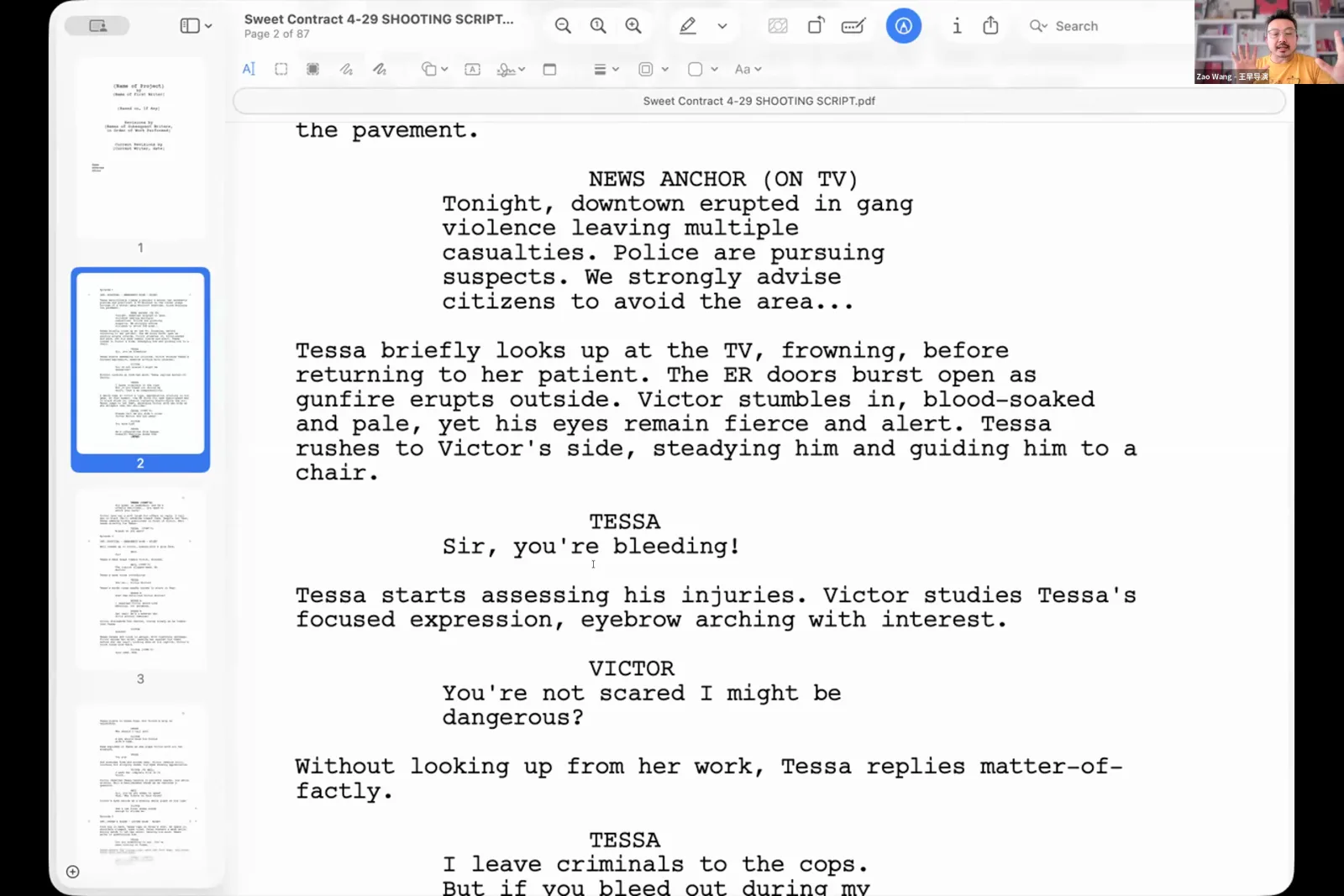
A key frame's primary function is to serve as a static, foundational image you feed into an AI video model to generate a video clip. AI filmmaker Austin Zartman states that these are "the images that again are going to use to feed the video models." They are, in essence, the starting point that establishes all visual information for a shot before any motion is added by the AI.
A key frame provides the AI video generator with the necessary data for a scene, including:
- The character's appearance
- The specific lighting
- The background elements
- The camera angle and composition
It is not a rough sketch but a fully rendered image that represents a precise moment in time. Zartman clarifies their role by calling them "essentially the starting frames for the videos that you're going to be making." By generating a high-quality, consistent key frame, you are giving the video model a clear and unambiguous instruction about how the shot should look. This initial image acts as an anchor, ensuring that the subsequent frames generated by the AI maintain the intended style and subject matter throughout the duration of the clip. Without this solid visual foundation, the AI might misinterpret the prompt, leading to inconsistent or nonsensical ai video output.
How Key Frames Represent Action in a Scene
Key frames represent action by defining the start and end points of a movement or change within a shot, allowing the AI video model to animate the transition between them. You create a static image for the initial state and, if needed, another for the final state. The action itself is then described in a text prompt during video generation.
Austin Zartman provides a clear example of this process. Imagine a shot where an ant needs to crawl up a character's hand and into their sleeve. Instead of trying to generate a video of the entire action at once, you would create two separate key frames. Zartman explains, "I have the previous shot where the ant is on his... hands and now I have a shot where the ant is not on his hands."
These two images serve as the bookends for the action:
- Key Frame 1 (Start): A generated image of the character's hand with the ant on it.
- Key Frame 2 (End): A generated image of the same hand, from the same angle, but without the ant.
When moving to the video generation stage, the filmmaker uses these key frames and provides a motion prompt. As Zartman notes, "that's where I can say the ant crawls into a sleeve." The AI model then uses the visual information from the key frames to understand the beginning and end states, and uses the text prompt to generate the motion that connects them. In this way, you are not generating the action in the key frame itself; you are setting the stage for the action to be created by the video model. Zartman emphasizes this by saying, "you want to think of these images as the starting frame of a video or the end frame."
Where Key Frames Fit into the AI Filmmaking Workflow
Key frames are created after you have designed and generated your primary visual assets (like characters and locations) but before you begin generating the final video clips. This step pulls information from your pre-written shot list and uses your established assets to ensure visual consistency across the project.
The workflow, as outlined by Austin Zartman, follows a logical progression from broad ideas to specific visuals.
- First, you create a shot list that describes each scene.
- Next, you move to asset generation, where you create the consistent look for your characters, props, and environments.
- Only after these elements are locked in do you proceed to generate key frames.
Zartman explains, "once you've settled on the assets... that's where we move to the key frames section." This placement is strategic. By creating assets first, you ensure that your main character looks the same in every shot. When you generate key frames, the system can then refer back to these approved assets. Zartman notes that the key frame generation process is "pulling from the shot list... and it's referring to the assets that you have." This structured approach prevents visual chaos and ensures that the key frames—and the videos derived from them—are coherent and visually continuous, forming a cohesive narrative.
Why Meticulous Key Frame Creation is Crucial
It is important to be meticulous when creating key frames because they directly determine the visual consistency and quality of the final video output. Any errors or inconsistencies in these source images will be amplified during video generation. AI filmmaker Austin Zartman strongly advises that "going slower will benefit you down the line."
Rushing the key frame stage can introduce subtle continuity errors that become major problems in the final ai video. For example, if a character's shirt collar is slightly different in a key frame compared to the established asset, the AI video model might cause the collar to flicker or morph throughout the shot. If the lighting in a key frame doesn't precisely match the previous shot, the transition will be jarring.
Taking the time to get each key frame right is an investment that pays off significantly in the later stages of production. It reduces the need for extensive re-generation, saving time and computational resources. By carefully crafting each starting and ending frame to be perfectly consistent with your assets and shot list, you provide the AI with the cleanest possible data to work with. This deliberate approach is fundamental to achieving a professional and polished look, transforming a collection of AI-generated clips into a believable and immersive film.
Frequently asked questions
What is a key frame in AI video? A key frame in AI video is a static, AI-generated image that serves as the starting or ending point for a video clip. AI models use these images as a foundational visual reference to generate the motion and action that occurs within the shot, ensuring consistency.
Are key frames the same as storyboards? While they serve a similar planning function, they are not the same. Storyboards are typically rough sketches or simple images used to outline a sequence. In AI filmmaking, key frames are the final, high-fidelity images generated by an AI that will be directly fed into a video model to create the final shot.
Do I need a key frame for every frame of AI video? No, you only need key frames to define the critical moments of a shot, typically just the beginning. As instructor Austin Zartman explains, you can often define an entire clip's action with just one starting frame or a pair of start and end frames.
Can a single shot have more than one key frame? Yes, a shot is often defined by two key frames: a starting frame and an ending frame. This technique is used to guide the AI on a specific transformation or action, such as a character moving across a room or an object disappearing from view.
What happens if my key frames are inconsistent? If your key frames are inconsistent with each other or with your established assets, the AI video model will likely produce flawed output. This can manifest as flickering, unwanted morphing of objects or characters, or jarring visual shifts that break the continuity of the film.
How does a key frame relate to a shot list? A key frame is the visual execution of an item on your shot list. The shot list describes the scene in text (e.g., "close up on character's hand"). The key frame is the AI-generated image that visually represents that description, which is then used to create the video.
What is the main challenge when working with key frames? The main challenge is maintaining absolute consistency between key frames and established assets. Even minor deviations in lighting, angle, or character details can cause the AI to generate flawed ai video with visual errors like flickering. This is why a meticulous approach is essential to understanding the key frames meaning ai filmmaking.
Keep learning
This guide is part of the Visual Storytelling & Image Generation masterclass lesson.
Related guides:
Comments
Sign in with your Leyline account to join the conversation.