Topic · 11 articles
Character & Visual Consistency
The hardest problem in AI video: keeping characters, style and direction consistent across shots. Reference images, keyframes, negative prompting, fixing glitches, and locking a visual style.
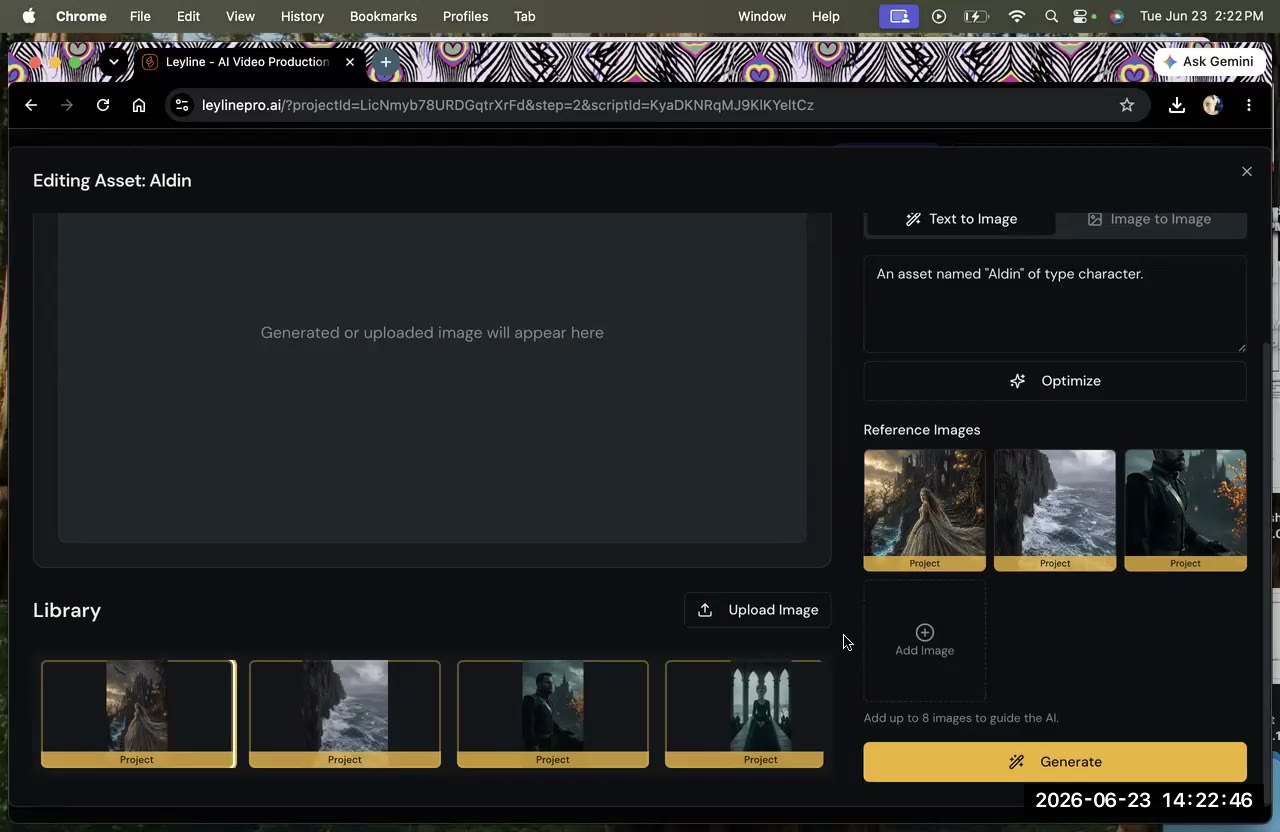
Character Reference Images Not Showing
Character reference images not showing in Breakdown or Design? You probably added them as project references, not character images. Here's the exact fix.
4 min read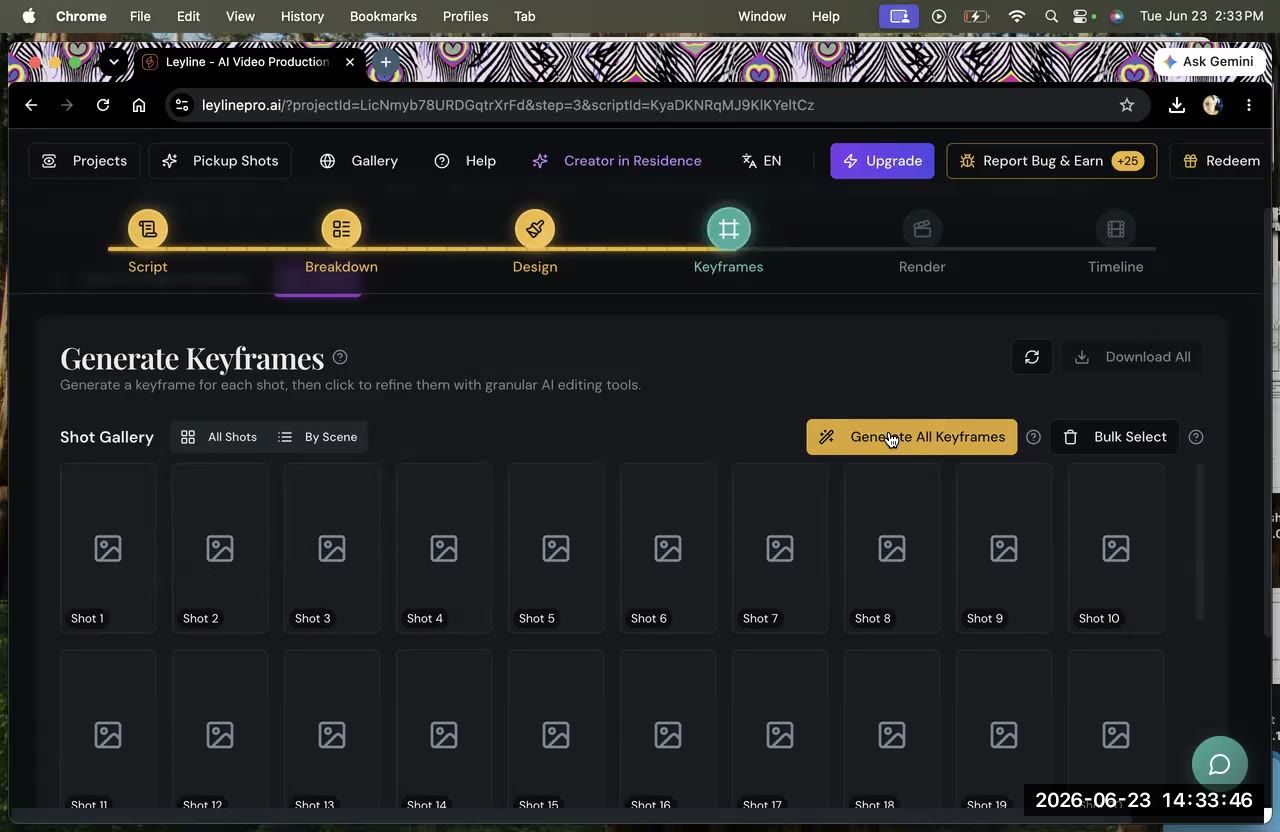
How to Fix Glitchy AI Video Clips
Fix glitchy AI video clips: use targeted negative prompts, one-action shots, clean keyframes, and iterative re-draws to clear distortion fast.
4 min read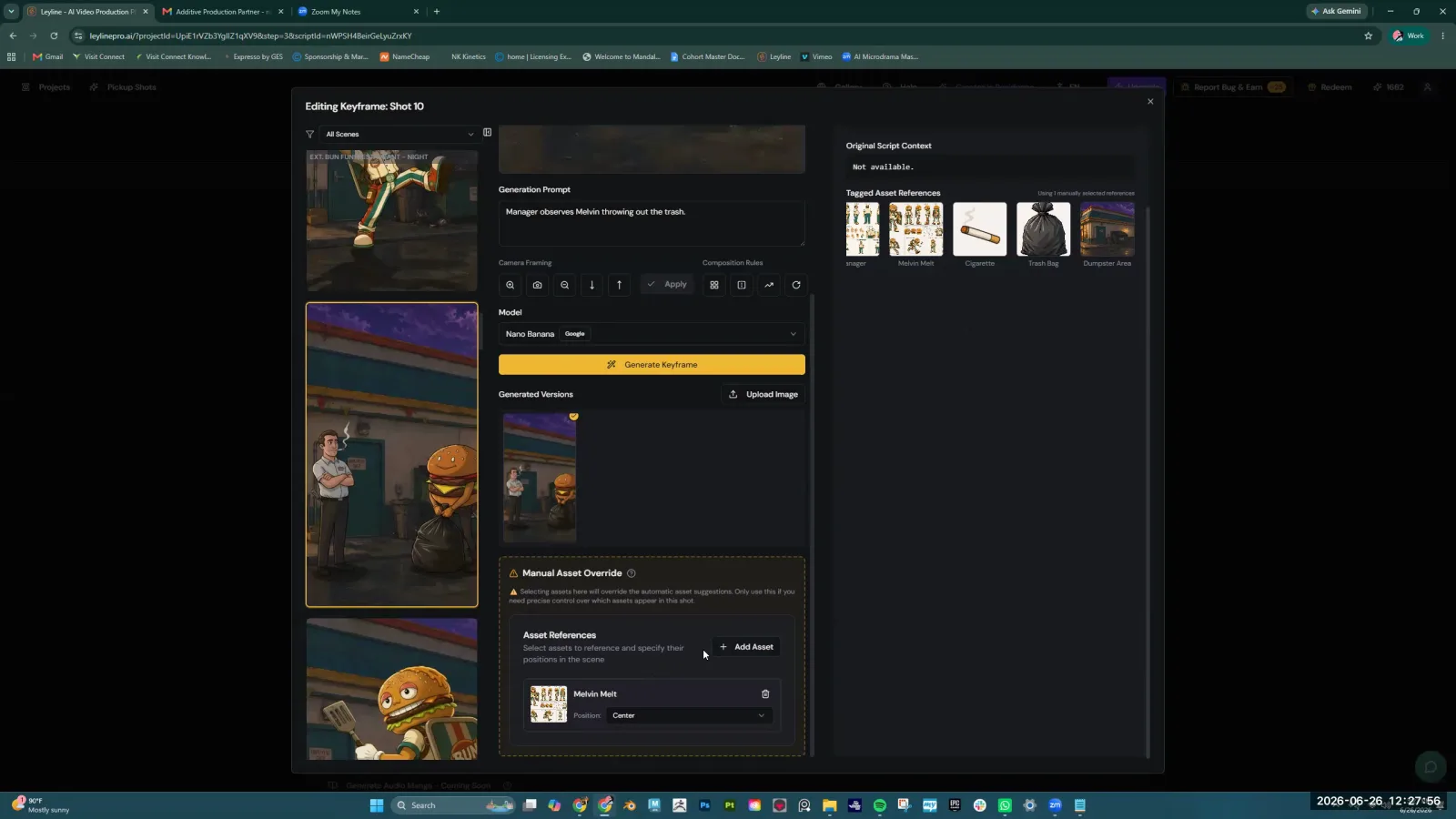
How to Get Consistent Characters AI Video
Struggling with character consistency in AI video? AI filmmaker Austin Zartman shares his workflow, focusing on highly specific prompts, manual keyframe.
9 min read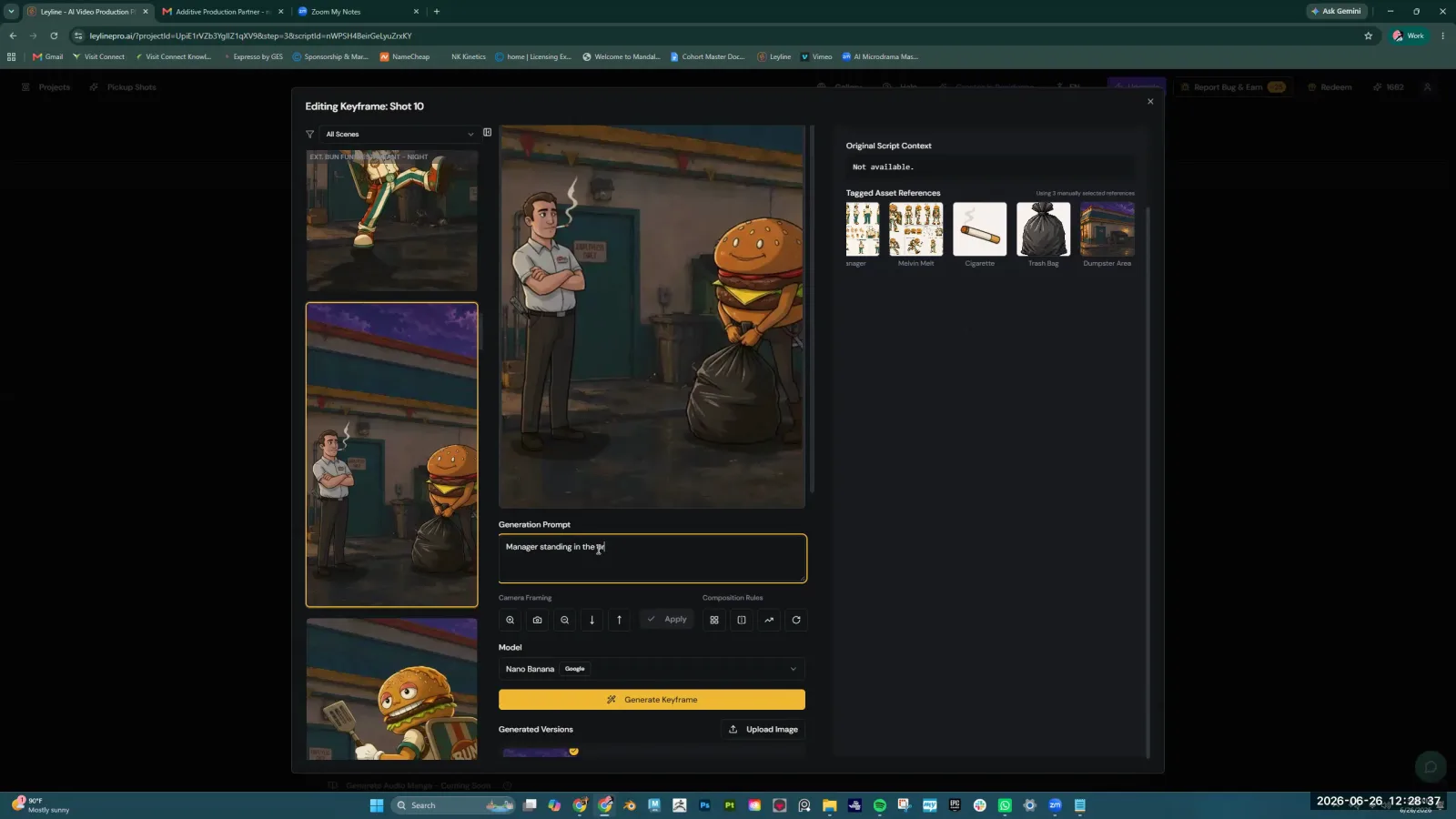
Negative Prompting in AI Video, Explained
Negative prompting tells your AI video tool what to exclude—music, artifacts, unwanted styles. Write effective negative prompts for cleaner, consistent clips.
8 min read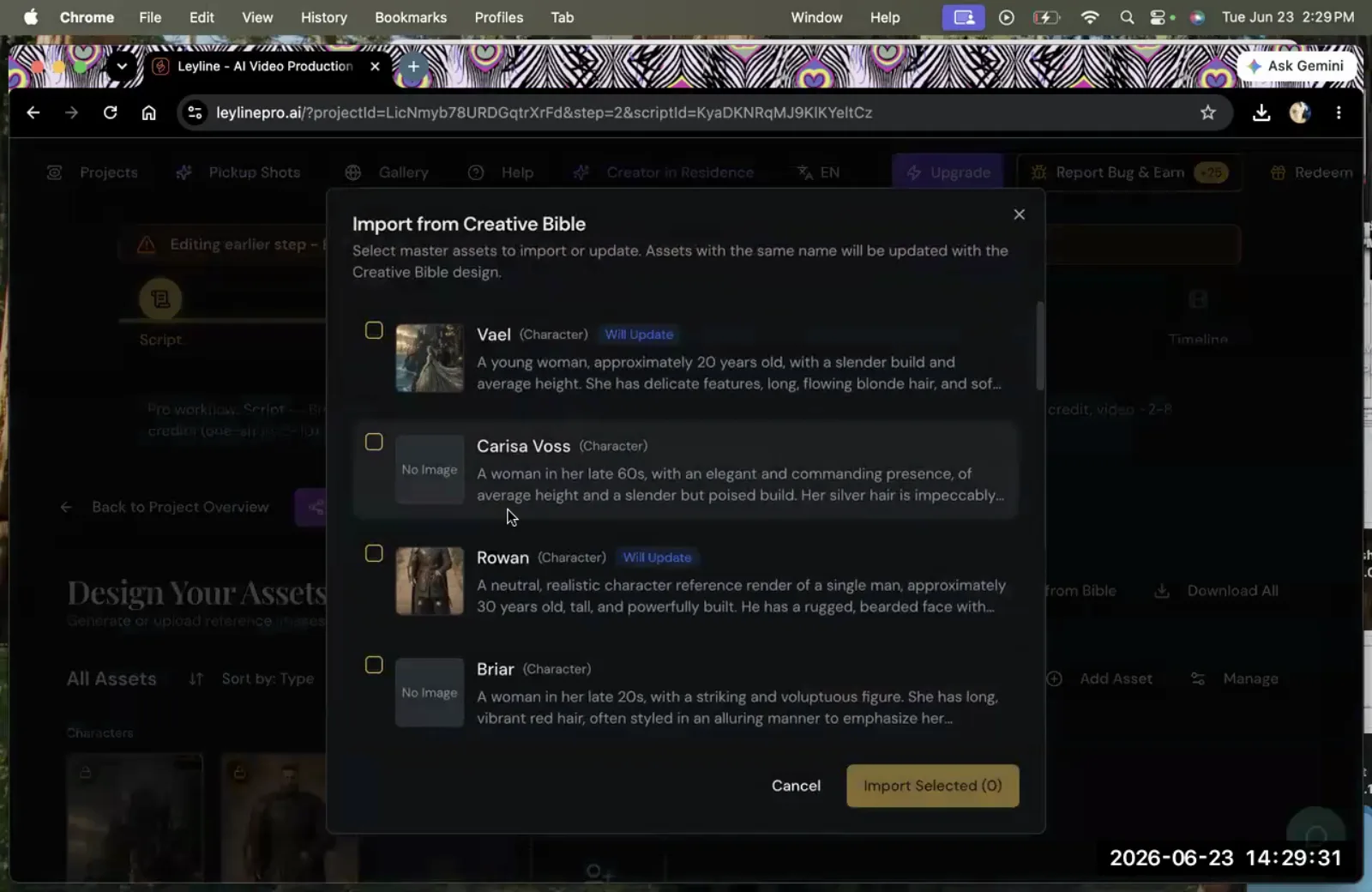
Directional Consistency in AI Video
Directional consistency in AI video keeps spatial relationships logical between shots. Fix errors by flipping the keyframe before you generate the clip.
9 min read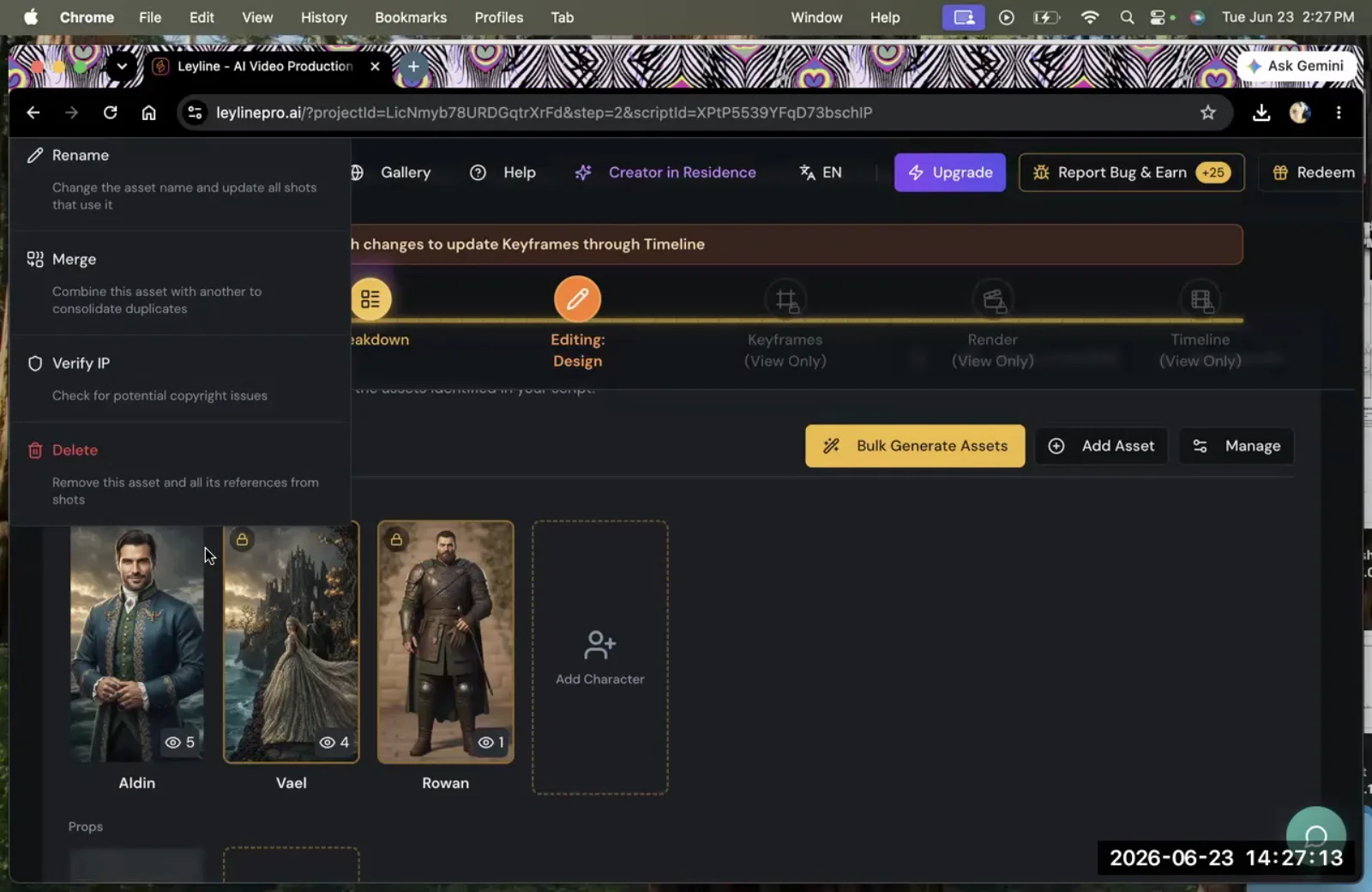
Maintain Character Consistency in AI Video
Maintain character consistency in AI video with a Creative Bible, reference image assignment, and shot iteration. Real workflow from filmmaker Austin Zartman.
9 min read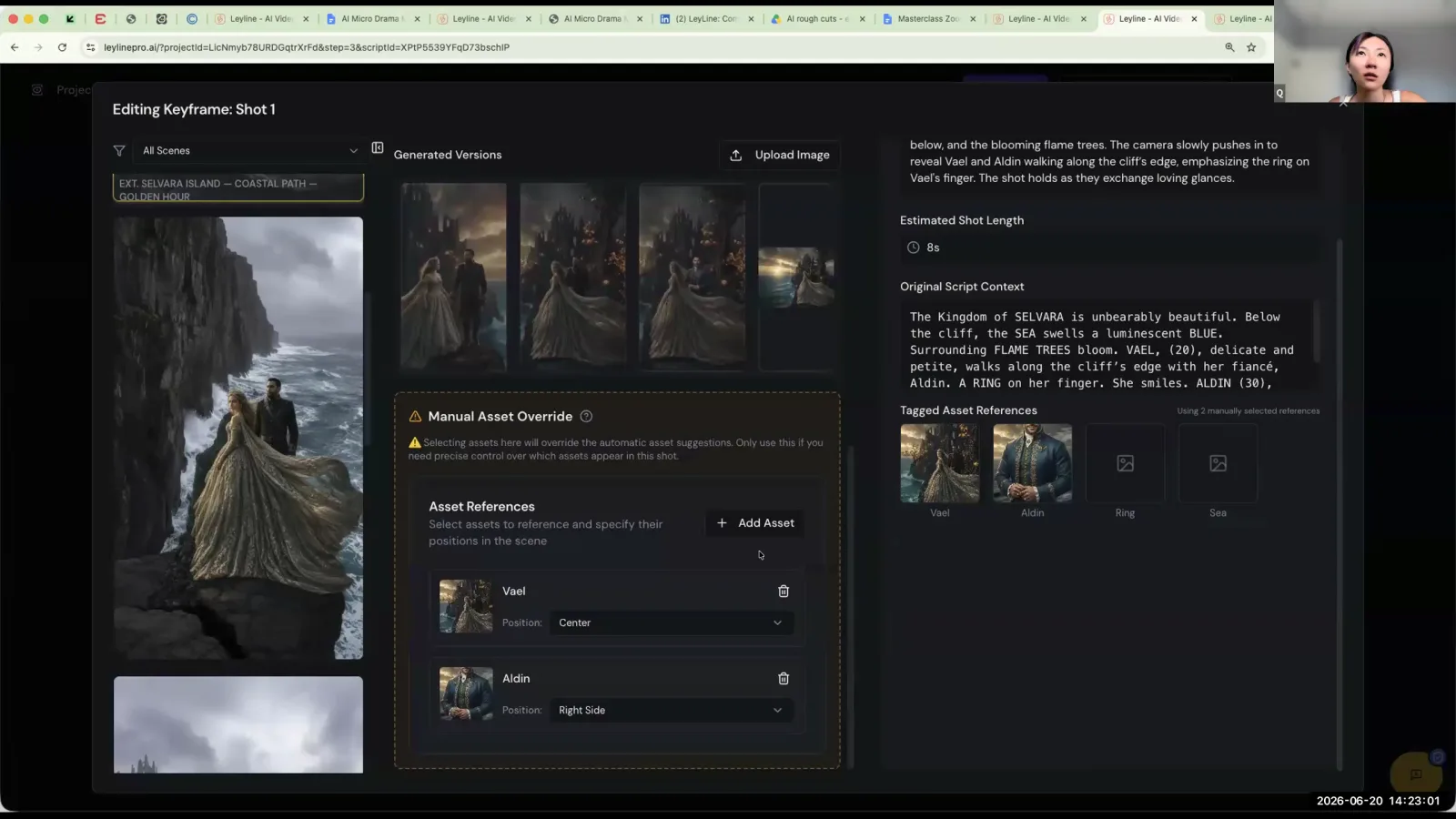
AI Film Hallucination Explained
In AI filmmaking, "hallucination" refers to the model generating characters, plot points, or visual details that were never in the original source.
8 min read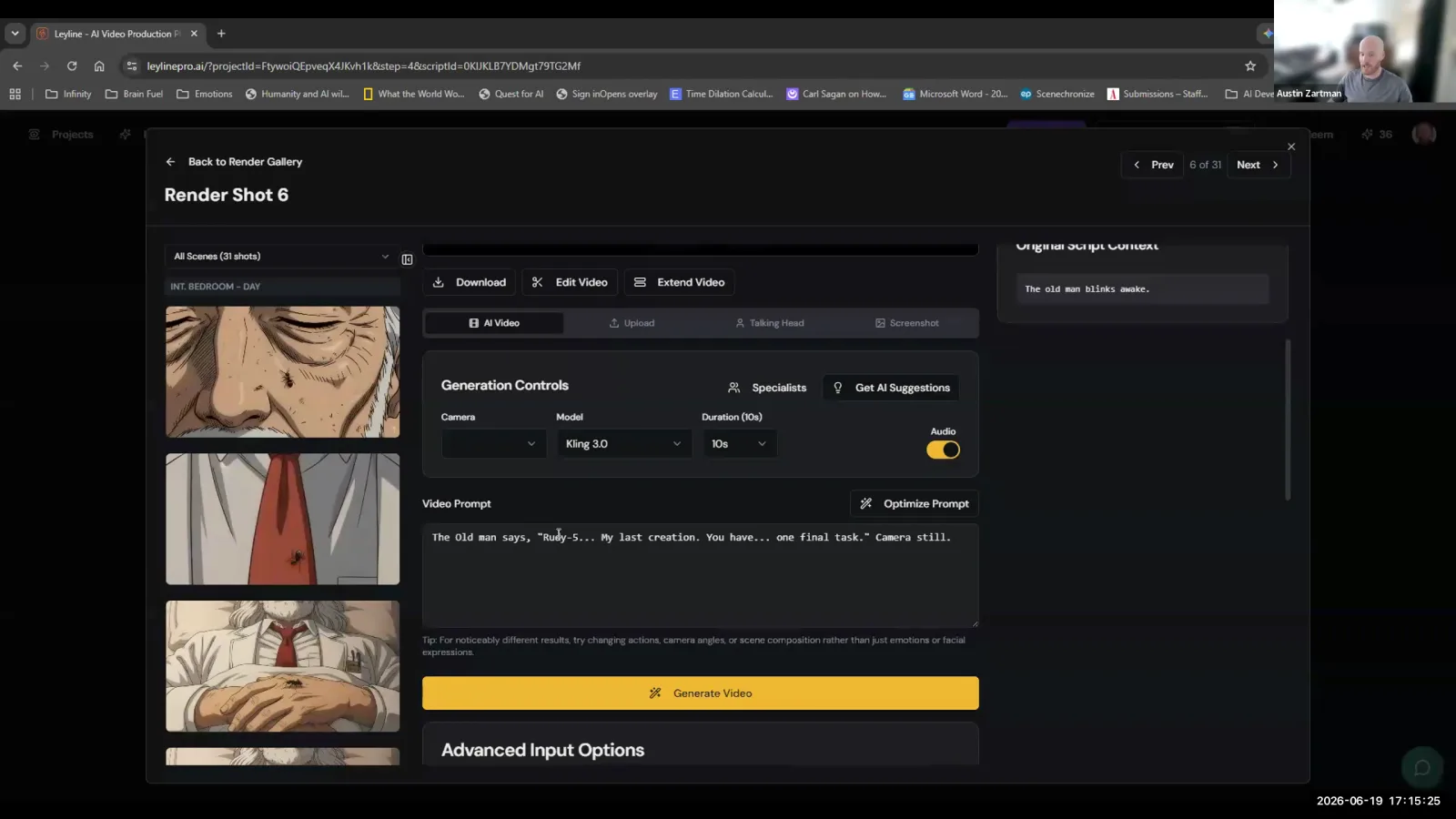
Keyframes Explained AI Filmmaking
In AI filmmaking, keyframes are the foundational, static images that serve as the starting point for each video clip. According to AI filmmaker Austin.
8 min read
Key Frames Meaning AI Filmmaking
In AI filmmaking, a key frame is a foundational still image that serves as the visual guide for AI video models. These images act as the primary input.
8 min readVisual Style Lock
Create consistent brand aesthetics with a Visual Style Lock. Boost recognition, trust, and marketing efficiency across all platforms. Get your guide!
9 min readAesthetic Sense in AI Video
Improve your video storytelling with AI! Discover how AI enhances aesthetic quality, from editing to color grading, for engaging & professional visual content.
9 min read