Glitchy AI video clips — distorted hands, morphing faces, floating objects, or characters hovering with a halo — are a normal part of AI filmmaking and almost always fixable with a short checklist of targeted techniques. Here's the toolkit.
1. Target the specific defect with a negative prompt
When the same problem keeps appearing (warped hands, an unwanted object, a recurring artifact), a negative prompt is the precise tool — tell the model what to exclude. Use it for the specific defect, not as a general quality dial. For example, if fingers are fusing together, add "fused fingers, distorted hands" to your negative prompt rather than a vague "low quality."
Learning how to write AI video prompts well — both positive and negative — is the single highest-leverage skill for reducing glitches before they happen.
2. Simplify the shot — one action
Glitches spike when you ask for too much at once. Give the model one clear action per shot. Complex, multi-step moments ("she stands, turns, waves, the dog runs past") confuse it; split them into separate shots. This is especially true for vertical storytelling, where tight framing amplifies any artifact.
Think of each shot as a micro-instruction: "character walks forward" or "door swings open." The simpler the ask, the cleaner the output.
3. Fix the keyframe first
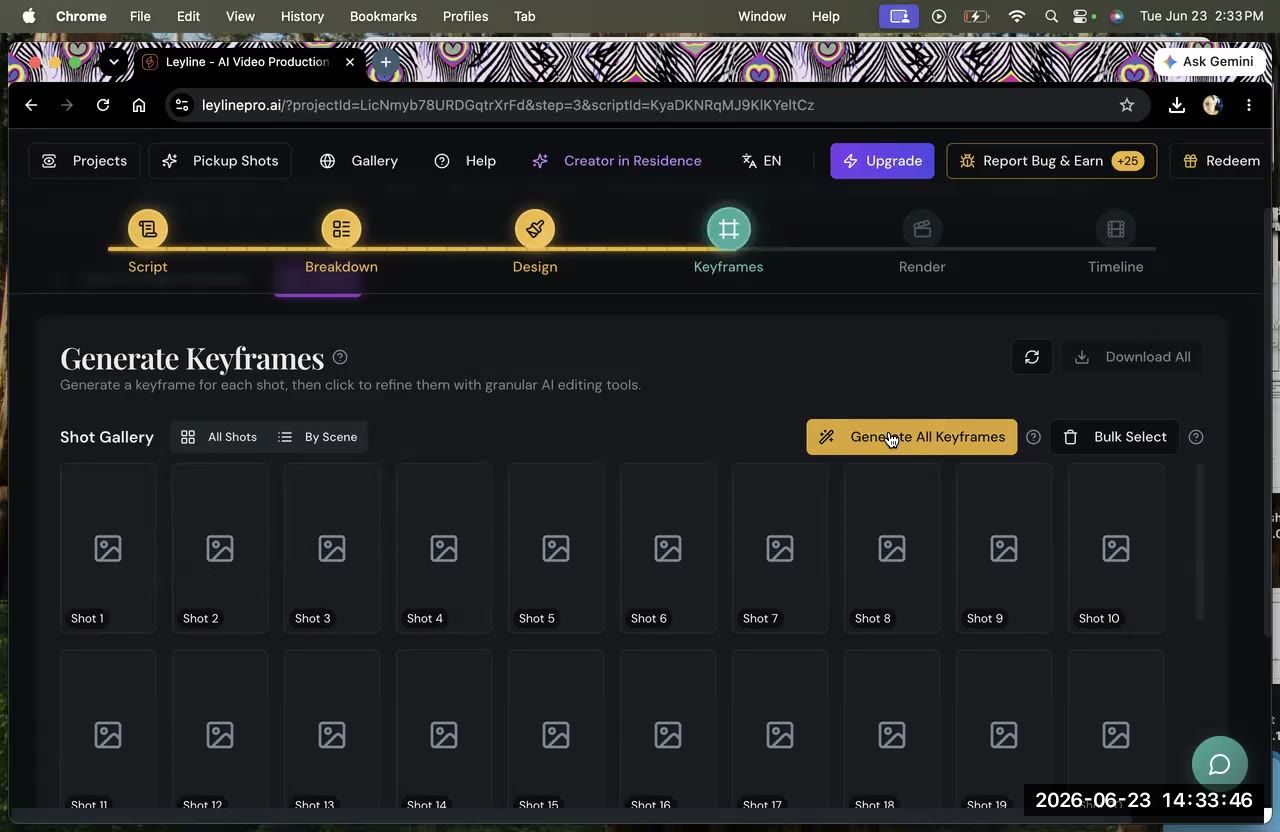
A clean keyframe (the shot's starting image) produces cleaner motion. If the still already has the right composition, character, and direction, the video has far less room to go wrong. Lock the keyframe before you render.
Common keyframe mistakes that cause downstream glitches:
- Blurry or low-resolution source image
- Hands or feet cut off at the frame edge
- Overlapping characters in the same pose
- Ambiguous lighting that confuses the model about depth
For a deeper look at how keyframes fit the full AI filmmaking workflow, that guide walks the end-to-end pipeline.
4. Re-draw — it's iterative
AI video generation is probabilistic, not deterministic. Two or three attempts on a hard shot is normal. Keep the good versions (everything's saved) and discard the rest. Experienced AI filmmakers budget for re-draws the same way traditional filmmakers budget for extra takes.
5. Treat "consistency suggestions" as advice, not orders
The built-in "this isn't consistent, do X" suggestions are a reference, roughly 60% reliable — not a rule. Following them blindly can make a shot worse (that's how a first officer ended up barefoot with a halo). Use your judgment and test both paths when unsure.
6. Try a different model
Models differ in where they struggle. Kling, Veo 3, Seedance, and Nano Banana each have different strengths and failure modes for hands, faces, and motion. If one keeps glitching on a particular shot, render the same keyframe with another and keep the better result. See which AI video model to use for a breakdown by use case.
7. Check directional and character consistency
Some glitches aren't random — they stem from the model losing track of which direction a character is facing or what they look like from shot to shot. Using character reference images and being explicit about directional consistency can prevent whole categories of artifacts before they appear.
Frequently asked questions
Why does AI video distort hands and faces?
Hands and faces are anatomically complex and highly variable. Current AI video models struggle with them because small changes in angle or lighting require precise understanding of structure. Fix it with targeted negative prompts, one-action shots, a cleaner keyframe, and a couple of re-draws.
What's the fastest fix for a glitchy clip?
Simplify to one action, confirm the keyframe is clean, and re-generate. Add a negative prompt for the specific defect if it recurs. Most glitches resolve within two or three attempts.
Should I follow the consistency suggestions?
They're advisory and roughly 60% reliable, not mandatory. Applying them blindly can make things worse — use your judgment and test both paths when a shot is borderline.
How many re-draws is too many?
If a shot hasn't worked after five or six attempts with different prompts and keyframes, the shot design itself is probably the problem. Break it into two simpler shots, change the camera angle, or adjust the action. Iterating forever on the same broken setup rarely pays off.
Keep learning
Negative prompt the defect, simplify the shot, fix the keyframe, and iterate. See how to write AI video prompts, which model to use, how to maintain character consistency, and directional consistency in AI video.
Comments
Sign in with your Leyline account to join the conversation.