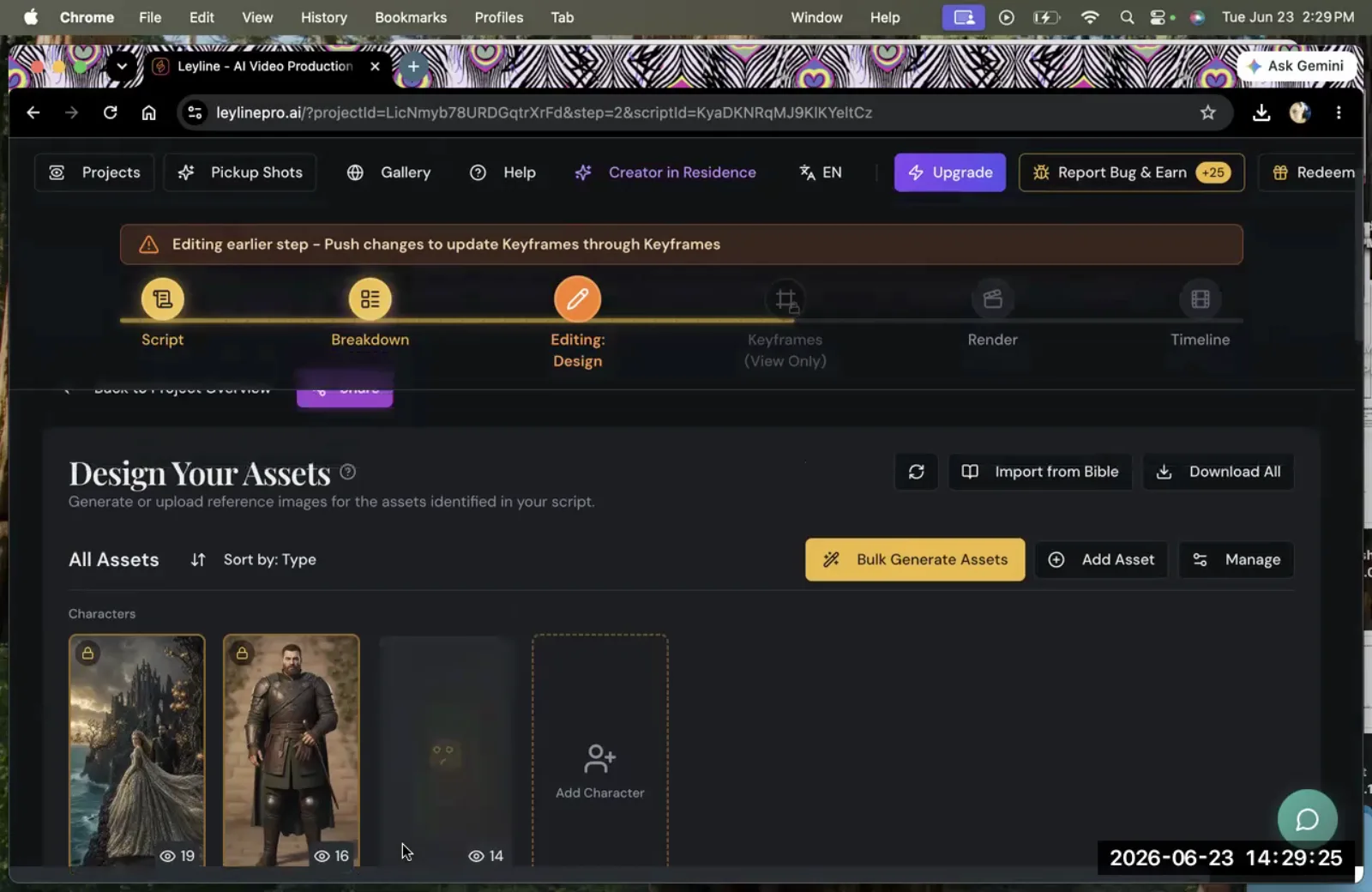
How to Create a Seedance AI Video: A Filmmaker's Guide
A seed dance AI video is a motion sequence generated using the AI tool Seedance, which specializes in rendering video from source images. This tool is a key component in modern AI filmmaking workflows, allowing creators to bring static visuals to life. In a masterclass on the subject, Austin Zartman, creator of the AI short-film series ASHES, detailed his use of Seedance to produce complex shots. He emphasized the importance of being strategic when you to render with the tool, as it consumes resources. Understanding how Seedance works is essential for filmmakers looking to control motion, iterate on shots, and manage production costs effectively.
What is a Seedance AI Video?
A seed dance AI video is a video clip rendered by the AI tool Seedance. It is used by filmmakers to generate motion from pre-existing source material, such as static images created in other AI tools. The core function of the seed dance is to animate these images, turning a single frame into a complete, moving shot.
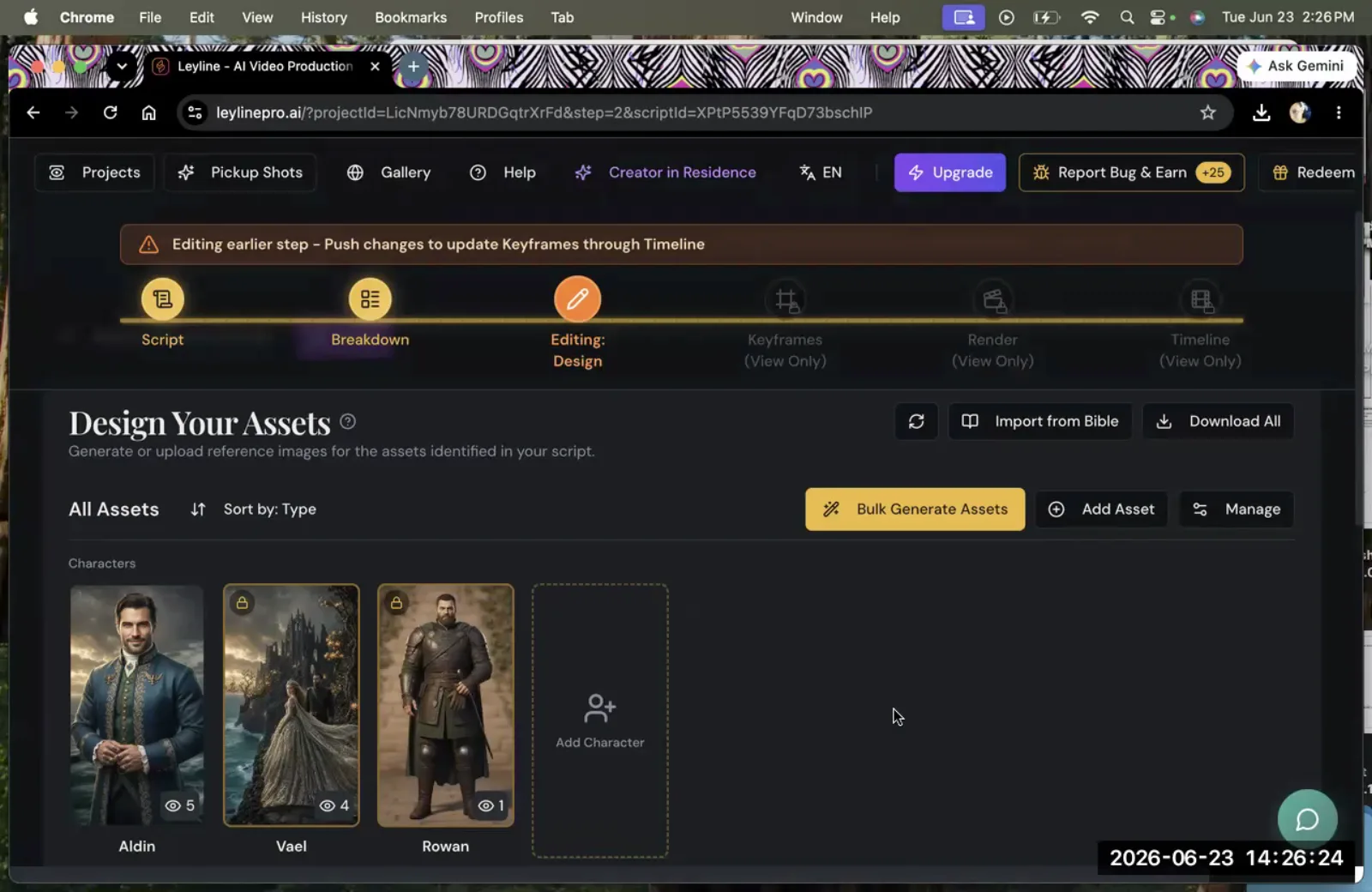
AI filmmaker Austin Zartman provides a clear example of this process. For his series ASHES, his team first generated still images using a tool called Nano. Once the visual style and content of the images were finalized, they used Seedance to create the actual video. This workflow separates image creation from video generation, allowing for a more focused and controlled production pipeline. Zartman also noted the release of Seedance 2.5 as a significant update, indicating the tool's ongoing development for professional use. The resulting output is a video file ready for editing, making Seedance a critical bridge between concept art and the final cinematic product.
The Role of Seedance in the AI Production Pipeline
Seedance functions as a dedicated video synthesis step within a larger AI filmmaking pipeline. Its primary role is to take static assets, which have already been designed and approved, and imbue them with motion. This places it after the conceptual and image generation phases but before final editing and post-production.
This separation of tasks is efficient. Instead of using a single tool for both image and video generation, which can be cumbersome, filmmakers can use specialized tools for each stage.
- Image Generation: Tools like Nano (as used by Austin Zartman) or Midjourney are used to create high-quality, consistent still frames. This is where the visual language, character design, and environment of the film are established.
- Video Synthesis: Seedance takes these finalized images as input. The filmmaker's focus at this stage is purely on motion. How should the character move? What is the camera's path? The creative decisions here are about dynamics and timing, not color or composition, which are already locked.
- Editing and Post-Production: Once the seed dance AI video clips are rendered, they are imported into traditional editing software. Here, they are assembled into scenes, color-graded, and combined with sound design and music.
By isolating the video generation step, Seedance allows for greater control and iteration. A director can experiment with different types of motion for the same image without having to re-generate the image itself, saving both time and computational resources. The way the dance is structured in the tool allows for this specific focus on movement.
How to Render Shots for Your Seedance AI Video
Rendering in Seedance is the process of creating video shots from your source images. The tool is designed to produce a high volume of variations, giving filmmakers extensive creative options. According to Austin Zartman, a user can "render many shots, like as many shots as you want." This capability is fundamental for exploring different creative directions for a scene.
For example, a filmmaker can take a single source image of a character and render multiple video clips:
- One shot with a slow, subtle camera push-in.
- Another shot with a rapid camera pan.
- A third shot where the character performs a specific action.
This flexibility allows a director to generate the equivalent of multiple "takes" for a scene, a common practice in traditional filmmaking. Instead of being locked into the first output, the creator can review several options and choose the one that best serves the story. This process is essential for building a library of shots that can be used to construct a dynamic and visually interesting film. The ability to render multiple options from a single asset is a core strength of using Seedance for AI video production.
Iteration and Re-Rendering: Refining Your Seedance AI Video
Yes, you can re-render the exact same shot multiple times in Seedance to refine and perfect it. This iterative capability is a crucial feature for professional-quality AI filmmaking. Austin Zartman confirmed this directly, stating he could re-render "the same shot" after deciding on a specific creative direction.
Re-rendering is different from generating a new variation. It involves returning to a specific generation, identified by its seed, and running the process again, perhaps with minor adjustments to parameters. The concept of working with a specific in seed value is what allows for this precise level of control. This is useful in several scenarios:
- Minor Adjustments: If a generated shot is almost perfect but has a small visual artifact or an unnatural movement, re-rendering offers a chance to correct it without starting from scratch.
- Parameter Tweaking: A director might like the overall motion but want to see it slightly faster or slower. Re-rendering with adjusted settings allows for this fine-tuning.
- Consistency: When a specific shot needs to be reproduced exactly for different parts of a film or for technical reasons, the ability to re-render the same output is essential.
This iterative process saves significant time and resources. Rather than generating dozens of brand-new shots hoping for a lucky result, filmmakers can select a promising clip and methodically refine it until it meets their exact vision. This control is a key reason why tools like Seedance are integrated into professional workflows for creating a seed dance AI video.
Managing Costs and Resources in Seedance
Using Seedance to render a seed dance AI video consumes finite computational resources, which translates to a real-world cost. Each time you to render a video, you use up a portion of these resources, often managed through a credit system. This makes strategic resource management a critical skill for AI filmmakers.
Austin Zartman shared his own cautious approach, stating, "I didn't want to use up the seed dance... stuff until I was, you know, ready." This highlights a best practice: do not render video until your source assets and creative plan are firmly in place. Wasting resources on experimental or undecided shots can deplete your budget before the project is complete.
To use Seedance efficiently, follow these principles:
- Finalize Source Images: Before you even open Seedance, ensure your still images are final. This includes character design, costumes, background elements, and color palette. Any changes to the source image will require a completely new video render.
- Establish a Clear Creative Direction: Know what you want from the shot. Have storyboards or a detailed shot list that describes the desired camera movement, character action, and timing. Rendering without a clear goal is a primary cause of wasted resources.
- Render in Low Resolution First (If Possible): While not explicitly mentioned by Zartman, a common practice in CGI and video rendering is to create low-resolution previews first. This allows you to check the motion and timing at a lower cost before committing to a full-resolution final render.
- Batch Your Renders: Plan your rendering sessions. Instead of rendering one shot at a time as you think of it, try to queue up several shots that you are confident about. This can sometimes be more efficient.
By treating rendering credits as a valuable part of your production budget, you can ensure that you have enough resources to complete your entire seed dance AI video project to the highest standard.
What is Seedance 2.5?
Seedance 2.5 is a specific version of the AI video generation tool. It was mentioned by filmmaker Austin Zartman during his masterclass as a key development in his production workflow. He noted its release in the context of describing his process for the ASHES series, where images were first created in Nano before being animated.
The mention of a specific version number like 2.5 suggests that Seedance is a tool undergoing active development with regular updates. For practitioners, new versions often bring important improvements, such as:
- Higher quality output.
- Better motion stability and coherence.
- New features and control parameters.
- Faster rendering speeds or more efficient resource usage.
While Zartman did not detail the specific features of Seedance 2.5, his highlighting of it implies it represented a meaningful step forward for his creative work. This is common in the rapidly evolving field of AI tools, where updates can directly impact the quality and feasibility of a project. Keeping track of such versions is important for any filmmaker wanting to use the most capable tools available for their seed dance AI video production.
Frequently asked questions
What is a seed dance AI video?
A seed dance AI video is a video sequence created with the AI tool Seedance. Filmmakers use it to render motion from static source images. The tool is a key part of the production process described by Austin Zartman for his ASHES series, where it was used to animate images originally made in another program called Nano.
How does re-rendering work in Seedance?
Seedance allows you to re-render the exact same shot multiple times. This feature, confirmed by Austin Zartman, is essential for iteration. It lets a filmmaker take a nearly perfect shot and make small adjustments to refine the motion or fix minor errors without having to generate a completely new shot from the beginning. This process relies on using the same in seed value to ensure reproducibility.
Are there costs associated with using Seedance?
Yes, using Seedance consumes finite resources, which implies a cost for each video you to render. Austin Zartman advises filmmakers to be fully prepared with their source images and creative plan before rendering to avoid wasting what he calls "seed dance... stuff." This suggests a credit-based or resource-limited system that requires careful management.
Can I use Seedance with images from other AI tools?
Yes, Seedance is designed to work with images created in other tools. This is a core part of its workflow. Austin Zartman provides a direct example of this, explaining that he first creates images in a tool called Nano and then brings those images into Seedance specifically for the video rendering stage of his seed dance AI video projects.
Keep learning
This guide is part of the Troubleshooting Character and Asset Workflow masterclass lesson.
Related guides:
Comments
Sign in with your Leyline account to join the conversation.