A Guide to Vertical Drama Apps Templates for AI Filmmaking
Vertical drama apps templates are specialized project environments within filmmaking software designed for creating episodic, mobile-first video content. These tools are critical for AI filmmakers who need to produce content for platforms like TikTok, Reels, and YouTube Shorts. When you choose the right template, you gain access to format-specific functions that a standard project lacks. For anyone creating vertical shorts, using dedicated vertical drama apps templates is not only about formatting; it's about unlocking a more efficient workflow. AI filmmaker Austin Zartman, creator of the series ASHES, emphasizes that these templates provide unique script generation capabilities essential for the fast-paced nature of vertical drama.
What Are Vertical Drama Apps Templates?
Vertical drama apps templates are pre-configured project setups within a larger software application, built specifically for creating short-form vertical videos. They are not always standalone applications but are often modes or project types you select when you begin your work. The primary purpose of these templates is to streamline the creation of content intended for a 9:16 aspect ratio, the standard for mobile viewing.
These templates provide a purpose-built environment for developing the kind of fast-paced, episodic micro-dramas that perform well on social media. While any video editor can crop a video to a vertical format, these specialized templates offer tools tailored to the specific needs of vertical storytelling. This includes features that help manage multiple short episodes, generate script variations, and organize assets for a series. Using a short template from the start ensures your entire workflow is optimized for producing a vertical, rather than adapting a horizontal project later.
Why Are Vertical Drama Apps Templates Essential for AI Filmmaking?
You should use vertical drama apps templates because they contain essential generative functions that are absent in standard project modes. According to AI filmmaker Austin Zartman, the choice to use a dedicated 'vertical short' template provides access to a more powerful toolset for content creation, especially for episodic series. The most significant advantage is the ability to generate multiple scripts at once, a feature that directly supports the high-volume production required for vertical drama.
During a masterclass, Zartman was asked if creators should use the 'vertical short' program. His response was direct: "Yeah, you should. You should use the vertical short template because there are functions to generate multiple scripts that's not here." This highlights a critical distinction. The value is not in setting the aspect ratio but in accessing a unique workflow accelerator.
Key benefits of using these templates include:
- Multi-Script Generation: Create numerous script variations or entire series episodes from a single prompt. This is the core functional advantage.
- Workflow Efficiency: The entire toolset is optimized for the rapid development and iteration of short-form content.
- Episodic Content Management: The structure is better suited for organizing and producing a series of interconnected shorts.
- Format-Specific Tools: Access features designed exclusively for the creative and technical demands of the vertical format.
Opting out of a specialized short template means you lose these key features and must rely on a more manual, less efficient process. For any creator serious about producing vertical drama, these templates are a fundamental part of the toolkit.
Standard Project vs. Vertical Short Template: A Functional Comparison
The key difference between a standard project and a vertical short template is the built-in toolset, not only the screen orientation. A standard project is a general-purpose environment for creating a single film, while a vertical short template is a specialized environment designed for the high-volume, iterative nature of episodic vertical content. You might be able to force a standard project to output a 9:16 video, but you will miss the specific generative functions that make the process efficient.
Here is a direct comparison of their core functions:
-
Script Generation
- Standard Project: Designed for developing a single, linear script. It lacks features for batch creation.
- Vertical Short Template: Includes functions to generate multiple scripts simultaneously. This is ideal for creating episode batches or A/B testing different narrative hooks.
-
Intended Use Case
- Standard Project: Best for standalone short or feature films with a traditional development process.
- Vertical Short Template: Purpose-built for episodic micro-dramas, web series, and social media content that requires a continuous stream of new episodes.
-
Core Workflow
- Standard Project: A linear workflow focused on pre-production, production, and post-production for one piece of content.
- Vertical Short Template: An iterative workflow focused on rapid idea generation, script variation, and high-volume output to feed platform algorithms.
As Austin Zartman's advice implies, choosing the standard project for a vertical series is a functional handicap. You are selecting a tool that is not designed for the job and will require more manual work to achieve the same result.
A Step-by-Step Guide to Using Vertical Drama Apps Templates
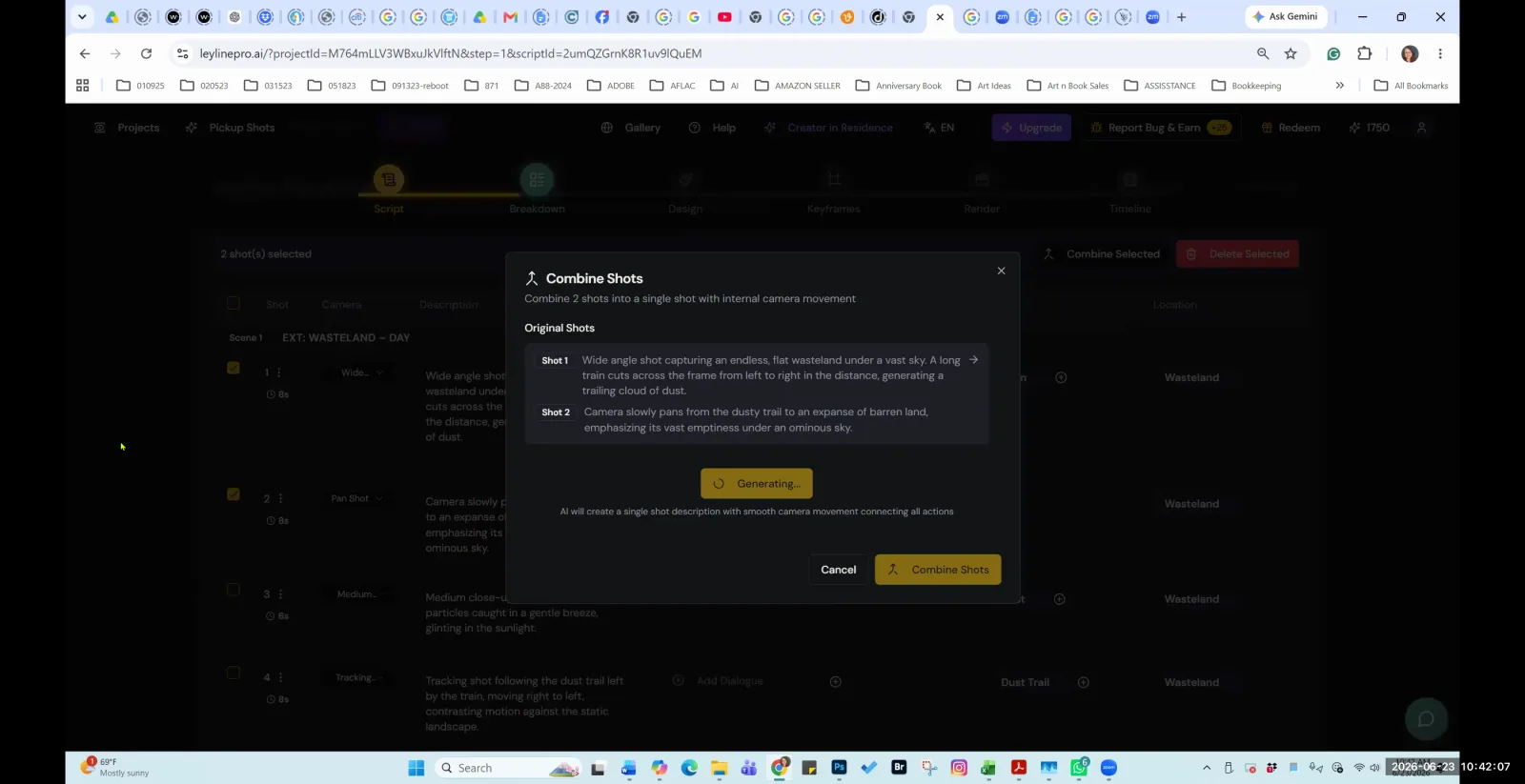
To use a vertical short template, you must select it when creating a new project in your software. This action loads the specialized toolset required for generating vertical content efficiently. Simply starting a standard project and changing the aspect ratio will not grant you access to these unique features.
AI filmmaker Austin Zartman gives clear instructions for this process. Follow these steps:
- Start a New Project: Open your software and navigate to the option for creating a new project.
- Select the Correct Template: From the list of available project types, specifically choose the one labeled 'vertical shorts'. Do not use the default or standard film project option. Zartman's advice is simple: "Yeah, so go to here like new project, do the vertical shorts one."
- Develop Your Script Inside the Template: Once the project loads, perform all your scriptwriting and development within this specialized environment. An attendee in Zartman's masterclass confirmed this workflow by asking, "Okay, and just write it all in there." This is the correct approach.
Working entirely within the vertical short program ensures that you can use its powerful features, like multi-script generation, throughout your creative process. It aligns your workflow with the tool's intended purpose, saving time and effort in the long run.
The Impact on Producing Episodic Vertical Content
Using vertical drama apps templates directly accelerates the production of episodic series by enabling the batch creation of scripts. This capability is crucial for creators on platforms where audience engagement depends on a consistent and frequent release schedule. The vertical format thrives on series, and these templates are built to support that model.
The ability to generate multiple scripts from a single idea has several practical benefits for producers of the vertical:
- Rapid Series Development: You can generate scripts for an entire season or a batch of episodes in a fraction of the time it would take to write them one by one.
- Narrative Experimentation: Quickly create multiple versions of a single episode to test different dialogue, plot twists, or character choices. This allows for data-driven decisions on what resonates with your audience.
- Maintaining Consistency: A consistent release schedule is key to growing an audience on platforms like TikTok or YouTube Shorts. Multi-script generation helps build a buffer of ready-to-produce content, preventing gaps in your upload calendar.
- Overcoming Creative Blocks: When you can generate several ideas at once, it is easier to find a direction that works and move forward, rather than getting stuck on a single script.
For creators aiming to build a following with a vertical short series, the efficiency gained from a dedicated short template is a significant competitive advantage.
Frequently asked questions
What is the main benefit of using vertical drama apps templates?
The primary benefit is access to specialized functions, specifically the ability to generate multiple scripts at once. AI filmmaker Austin Zartman notes this feature is unavailable in a standard project setup and is essential for producing episodic vertical drama efficiently.
Where do you find the vertical short template?
You can find the vertical short template in the 'new project' creation menu of your filmmaking software. You must select the option labeled 'vertical shorts' instead of a standard project to access its unique toolset.
Can I just set a standard project to a 9:16 ratio?
While you can change the aspect ratio in a standard project, you will not get the key benefits of a dedicated template. You would miss out on crucial workflow features like multi-script generation, which are designed to speed up the creation of vertical, episodic content.
Who recommends using these specialized templates?
Austin Zartman, the creator of the AI short-film series ASHES, strongly recommends using a vertical short template. He advises this because of its functional advantages for creating short-form, episodic content for mobile platforms.
Keep learning
This guide is part of the Troubleshooting AI Script Breakdowns and Asset Management masterclass lesson.
Related guides:
Comments
Sign in with your Leyline account to join the conversation.